AI Video Redaction
Easily fulfill legal and regulatory requirements with BlurMe’s AI-powered redaction service. Our proprietary engine identifies, tracks, and permanently masks faces, license plates, and sensitive biometric data across entire video libraries in seconds.
Select File
Drag and drop your file here or click to upload.

How to redact a video online
- Step 1: Upload Video
Click the Upload button or drag your video into BlurMe Studio. Supports MP4, MOV and most formats.
- Step 2: Redact Video
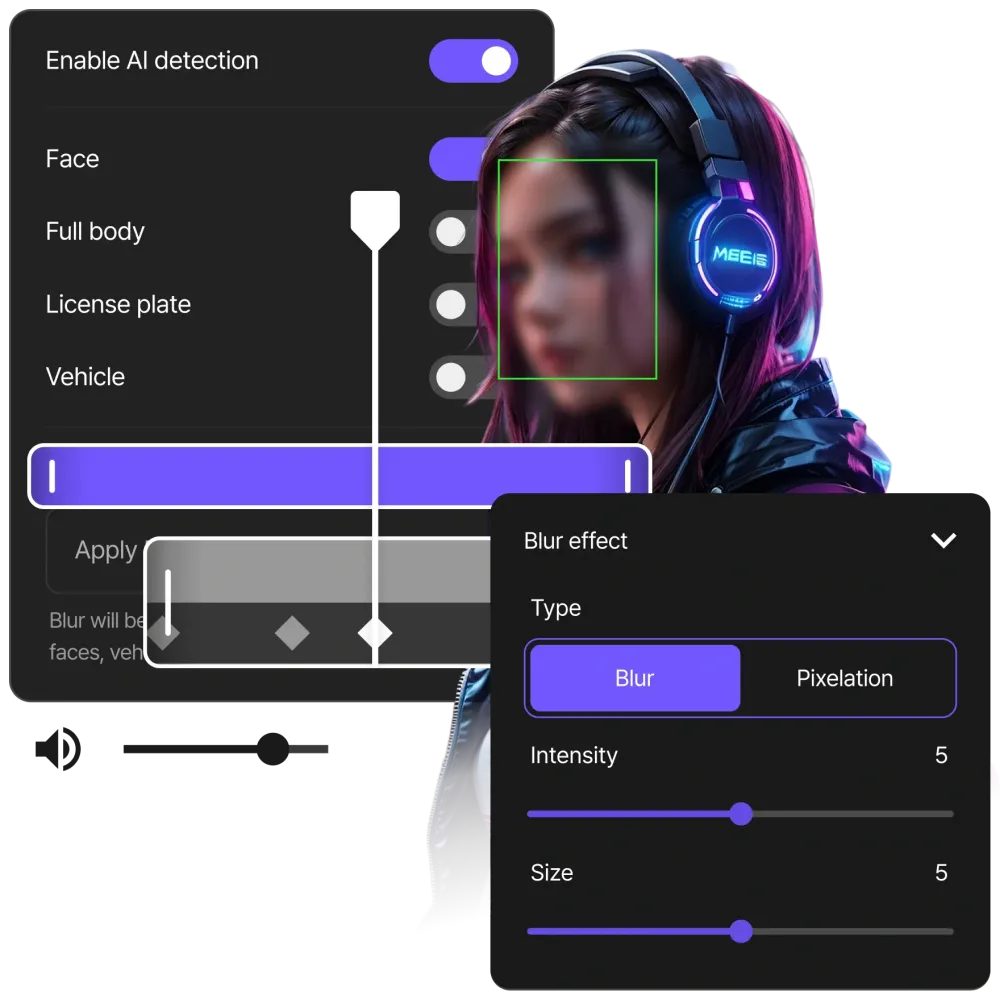
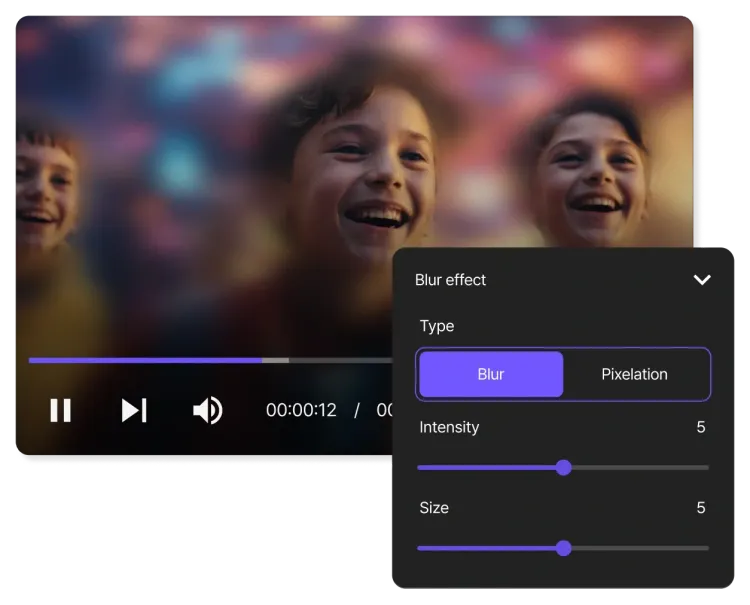
Select the areas you want to redact. Adjust the effect, size and intensity of the redaction as needed.
- Step 3: Download Video
Click Export to save your blurred video. Download it directly to your device or share online.
PowerBlur: The Advanced Technology Powering Our Video Redaction Service
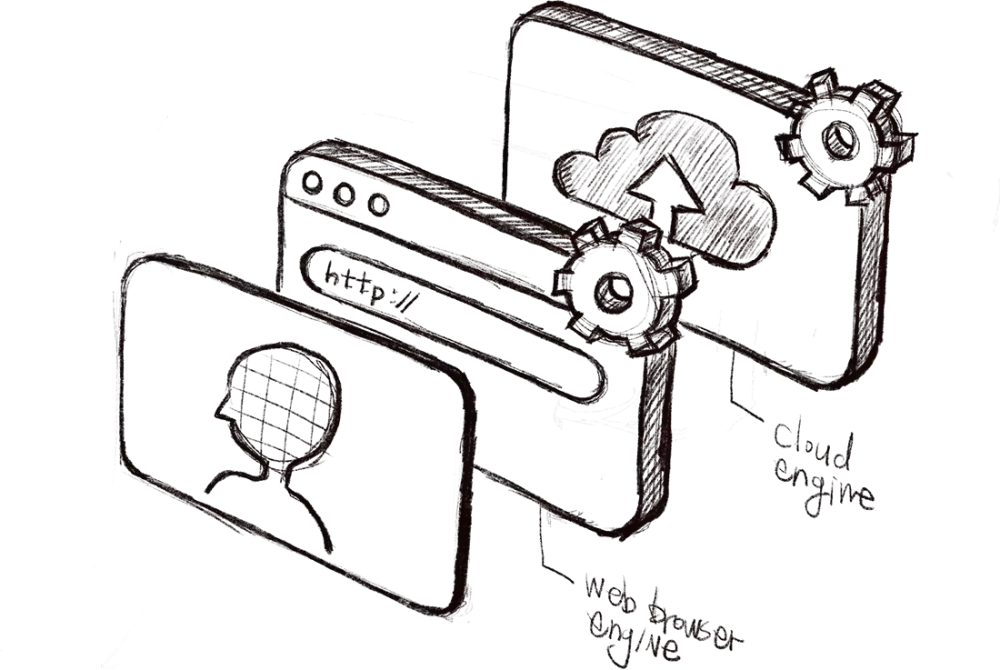
Most cloud-based redaction tools are hindered by significant upload latency and server-side bottlenecks. BlurMe utilizes a proprietary Hybrid Dual-Engine to deliver native-level performance without compromising the security of your sensitive media.
- Hardware-Accelerated Pipeline
For high-volume projects, our cloud infrastructure leverages GPU-optimized hardware acceleration. By optimizing the redaction process for high-efficiency video formats (H.264/H.265), we render permanent, irreversible masks up to 20x faster than traditional software using our proprietary PowerBlur pipeline.
- Native-Speed Edge Processing
Our custom engine delivers native-performance speed by running directly in your browser for immediate, real-time masking. By performing initial target discovery locally on your device, BlurMe allows you to preview redaction masks with zero latency. This ensures your biometric data is handled with maximum privacy.
- Active Motion Tracking (PTZ)
Our proprietary Inference Tracker ensures that redaction masks remain locked to the target throughout the entire clip. This technology is specifically designed to maintain "identity-clean" monitoring even during complex camera rotations, tilts, or zooms. Allowing permanent and reliable masking in every frame.
Redact videos automatically with AI
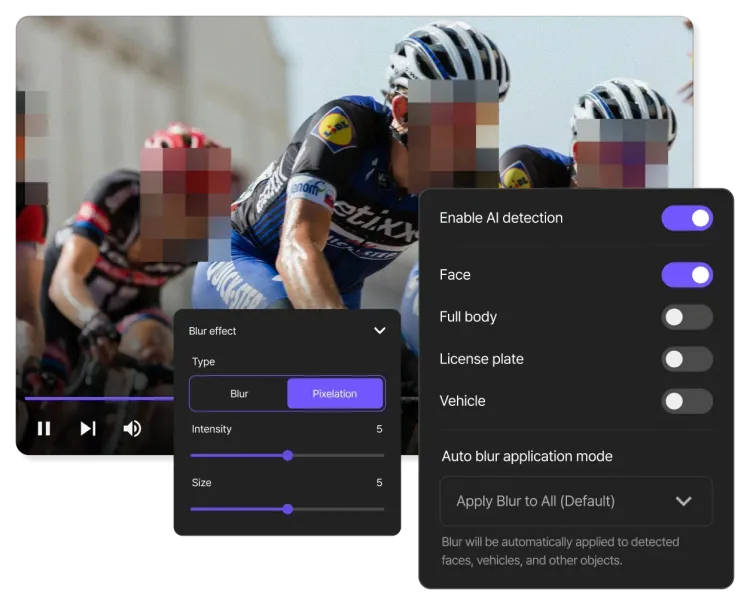
Our AI redaction software does the hard work for you. It automatically detects faces, license plates, and other sensitive PII in your videos and masks them with a blur or mosaic effect. No more scrubbing through footage frame by frame.
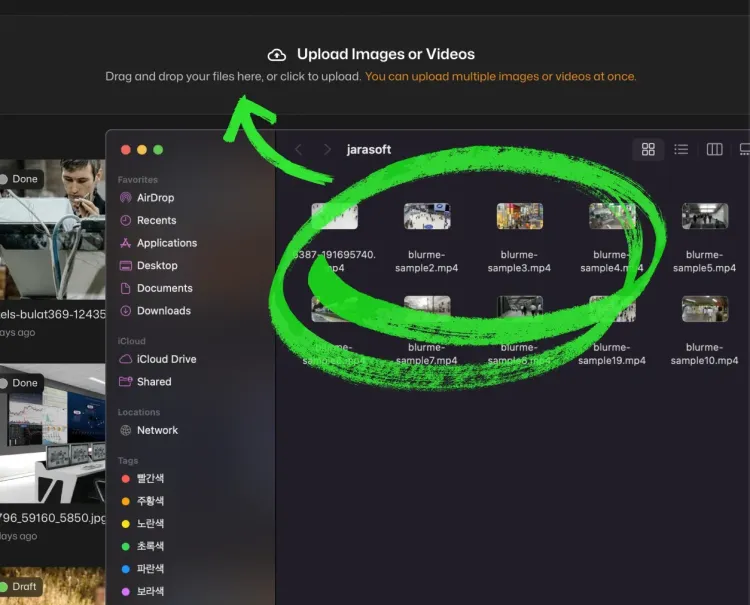
Hundreds of files redacted in a single click!
Batch redaction lets you process hundreds of videos at the same time. You can select your redaction settings, such as blurring every face, and apply them across all your files. Redact large volumes of video quickly and accurately.
Control every detail of your redaction
BlurMe Studio gives you a professional workspace where you can organize projects and customize redaction settings. From choosing blur effects to reviewing edits, the easy-to-use dashboard keeps all redaction projects simple to handle.
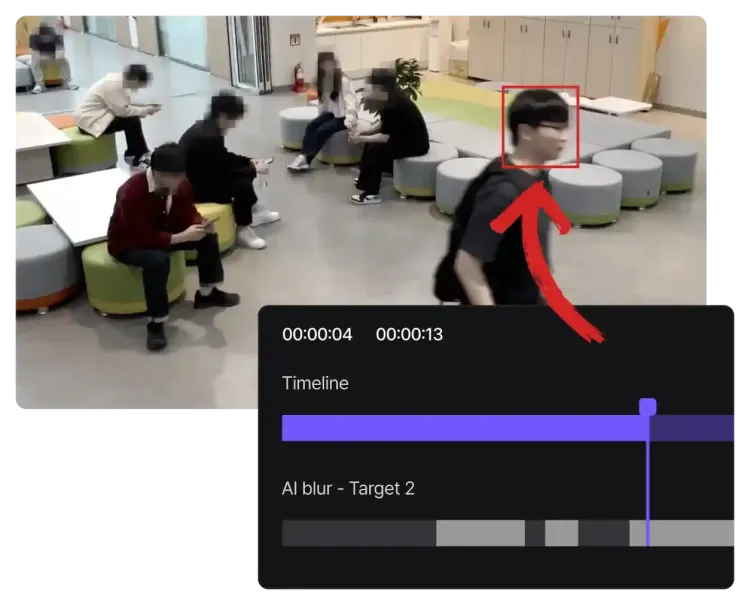
Redact CCTV surveillance footage easily
Automatically redact faces, license plates and other private data from your surveillance videos. Automated CCTV redaction ensures your videos meet GDPR, FERPA, and HIPAA compliance standards. For real-time video anonymization connected to your CCTV system, check out BlurMe Live.
Secure Standards for Professional Video Redaction
- Secure Redaction Workspace
We provide a Secure Redaction Workspace where you maintain absolute authority over the data lifecycle. Unlike generic blur apps, BlurMe operates on a model of Strict Data Residency, where your uploaded assets are protected by AES-256 encryption at rest. You have the power to organize high-volume redaction projects, manage processing history, or trigger a Permanent Data Sanitization (Purge) to instantly remove all traces of your media from our encrypted servers, meeting the highest standards of corporate governance.
- Biometric Isolation & Ethical AI Policy
To protect your intellectual property and biometric security, BlurMe adheres to a rigorous Biometric Isolation Policy. We never harvest, store, or utilize your sensitive video footage to "teach" our AI models. Our Inference Engine relies exclusively on pre-validated, proprietary datasets, ensuring that your confidential media remains isolated from global learning pipelines and is never used for unauthorized AI training or data profiling. Our technology serves strictly as a tool for protection rather than data collection.
- Regulatory Compliance Standards
BlurMe is engineered to assist professionals in meeting the irreversible de-identification requirements of global privacy laws. Our redaction process is designed to facilitate compliance with GDPR Article 17 (Right to Erasure) and HIPAA Safe Harbor standards by ensuring that PII is scrubbed at the bitstream level. By replacing original pixel data with permanent mosaic shaders, we ensure that your exported media is Metadata-Secure and ready for official public record releases or legal discovery.
Automated PII Redaction for Public Sector and Enterprise Data Security
- Video Redaction for Law Enforcement & FOIA Compliance
Public agencies use BlurMe to sanitize body-cam and surveillance footage for Freedom of Information Act (FOIA) requests. Our specialized FOIA Request Mode allows operators to redact every bystander in a frame by default, ensuring all third-party PII is scrubbed before public release while protecting the legal Chain of Custody.
- Video Redaction for Healthcare & HIPAA Anonymization
Medical researchers and providers use BlurMe to anonymize patient imagery in surgical recordings and GAIT studies. To meet HIPAA and GDPR "Safe Harbor" standards, our tool performs irreversible de-identification of faces and bodies, allowing for the ethical sharing of medical media for peer review and clinical training.
- Video Redaction for Education & Student Privacy (FERPA)
Schools and EdTech providers use BlurMe to protect the digital footprints of students in classroom highlights and school event videos. Our AI facilitates FERPA and COPPA compliance by bulk-redacting the faces of minors, ensuring that student PII is secured before videos are shared on public portals or social media.
- Video Redaction for Logistics & Fulfillment Center Monitoring
Operations managers use BlurMe to balance facility oversight with the employee's right to privacy. In high-volume warehouses, companies utilize BlurMe to redact the faces and bodies of the workforce in safety audits and productivity recordings. This allows for workflow analysis that satisfies Labor Union mandates and GDPR workplace rules.
- Video Redaction for Media & Entertainment Production
Production studios use BlurMe to automate legal clearing for broadcast and streaming. Newsrooms use BlurMe to apply professional censorship to investigative footage. Editors utilize our tool to redact non-consented bystanders in public shoots, ensuring that final cuts are free of third-party biometric liability and ready for international distribution without manual, frame-by-frame masking.
- Video Redaction for Public Safety & Identity-Clean Surveillance
In high-traffic environments like corporate campuses, transit hubs, and retail centers, security teams utilize our specialized FOIA Request Mode and real-time de-identification logic to automatically mask the faces and bodies of all individuals within the surveillance stream. This "Privacy-First" monitoring allows for proactive threat detection and safety management while ensuring that data collection remains 100% compliant with GDPR, CCPA, and "Privacy-by-Design" standards.
The Best Video Redaction Tool Worldwide
- Censor Video Content
Great for hiding sensitive content and masking confidential info.
- AI Face Tracking
Automatically track faces as they move throughout your video.
- 99% Detection Accuracy
AI identifies, tracks and redacts PII data with exceptional accuracy.
- Redact 10x Faster
Save time by redacting hours of video footage in minutes.
- Bulk Redaction
Redact multiple videos in bulk for consistent edits and faster workflow.
- Secure Data Processing
Your data is private, secure, and accessible only by you.
Common Use Cases for BlurMe AI Redaction
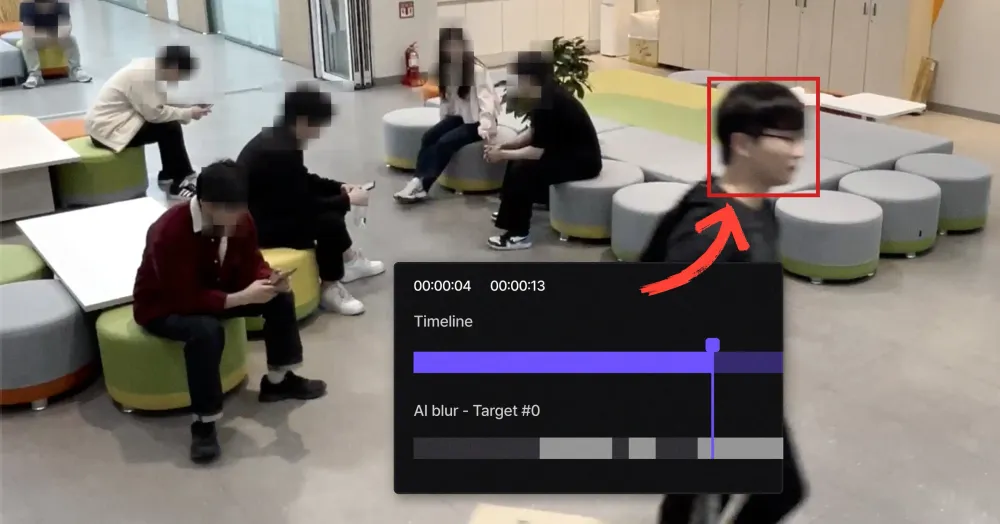
Redact security footage
You can use BlurMe to fulfill private record requests or insurance inquiries for home or business surveillance. If you need to share CCTV footage but must protect the privacy of neighbors or customers, our specialized CCTV Request Mode allows you to redact everyone in the frame by default, un-masking only the necessary subjects for legal review.
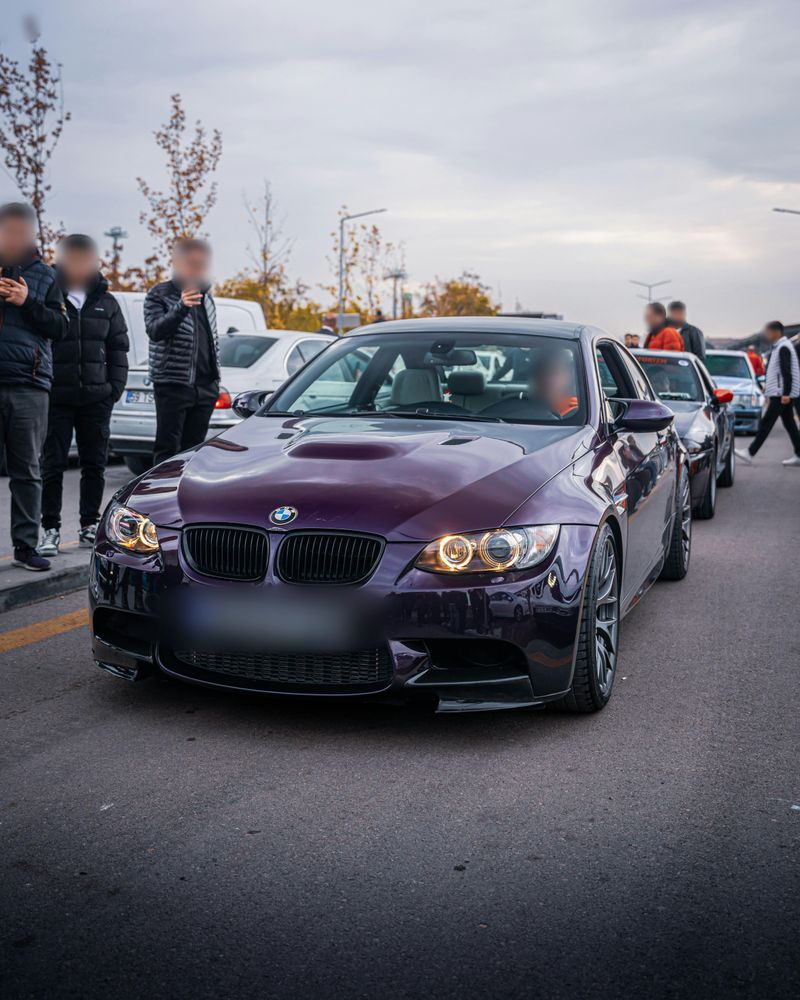
Redact dashcam footage
You can use BlurMe to automatically mask license plates and pedestrians in your dashcam or helmet-cam videos. Our AI ensures that street-level Personally Identifiable Information (PII) is permanently redacted, ensuring your content is liability-clean and safe for public distribution.
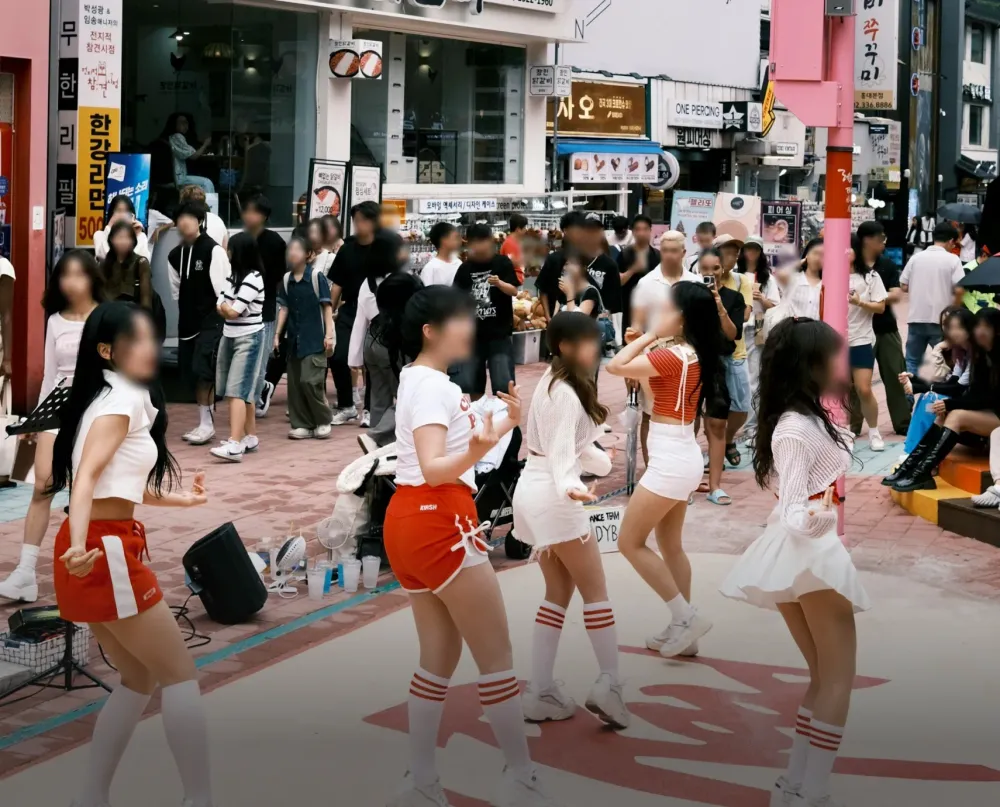
Redact background bystanders
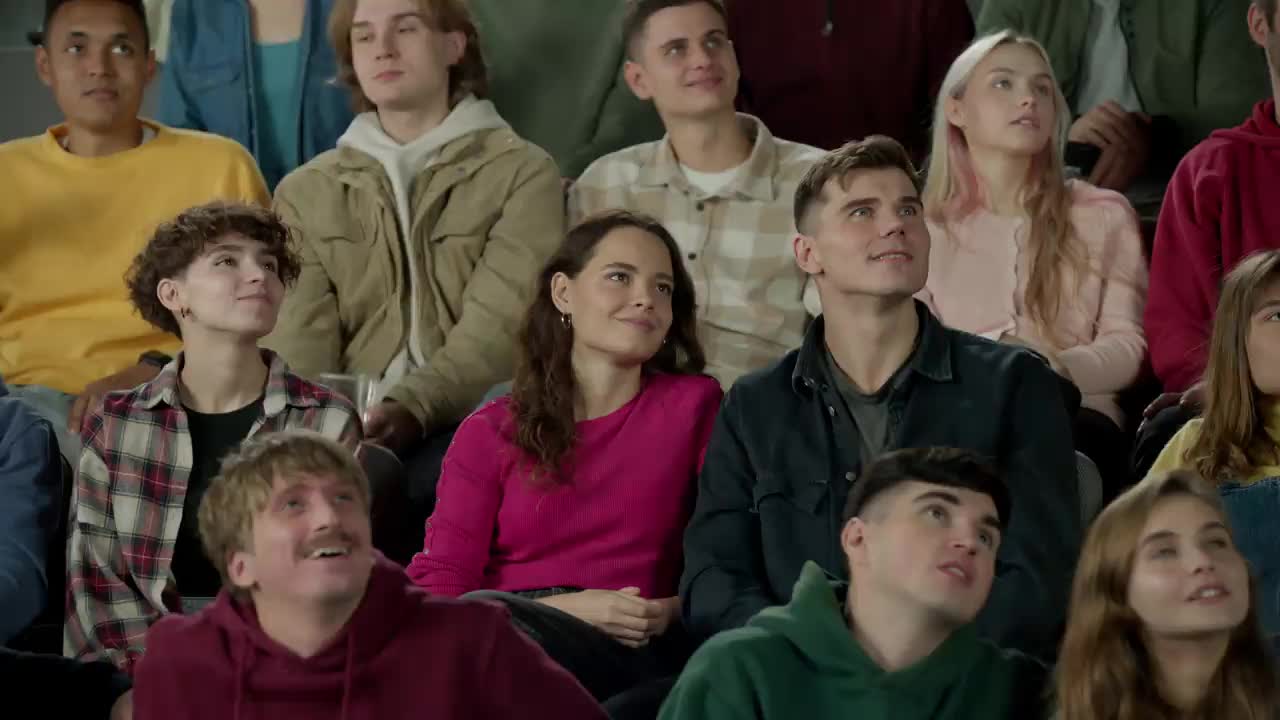
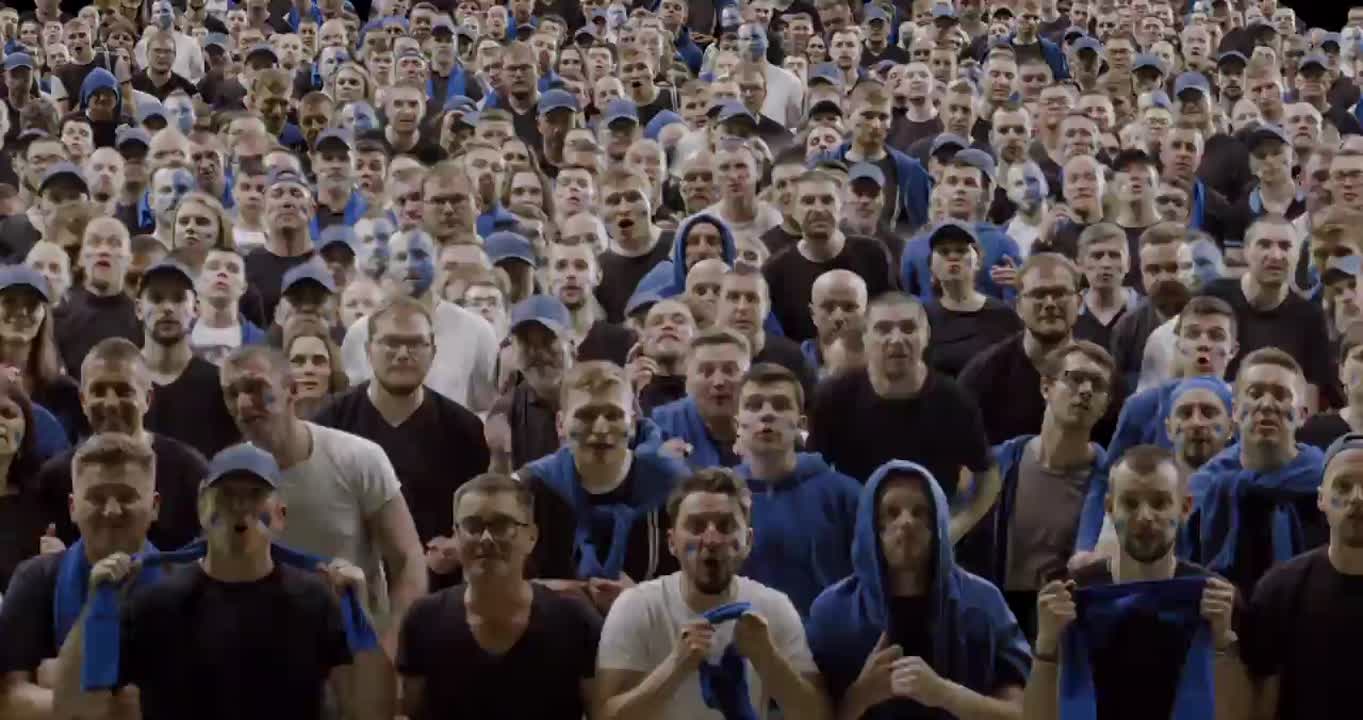
You can use BlurMe to redact video footage recorded in crowded public spaces. When filming in city centers, malls, or parks, you inevitably capture hundreds of strangers. Our active motion tracking allows you to automatically redact those faces, helping you follow ethical sharing standards and avoid platform "takedown" requests for privacy violations.
Explore More Tools and Features
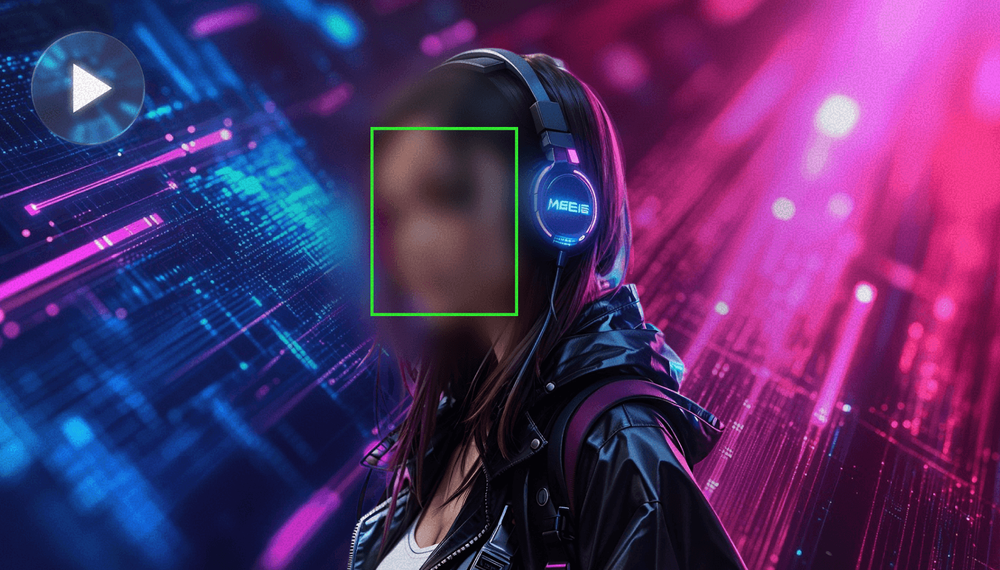
Blur Face in Video
Blur faces in video online with BlurMe's blur tool. Use AI face blurring to automatically blur moving faces.
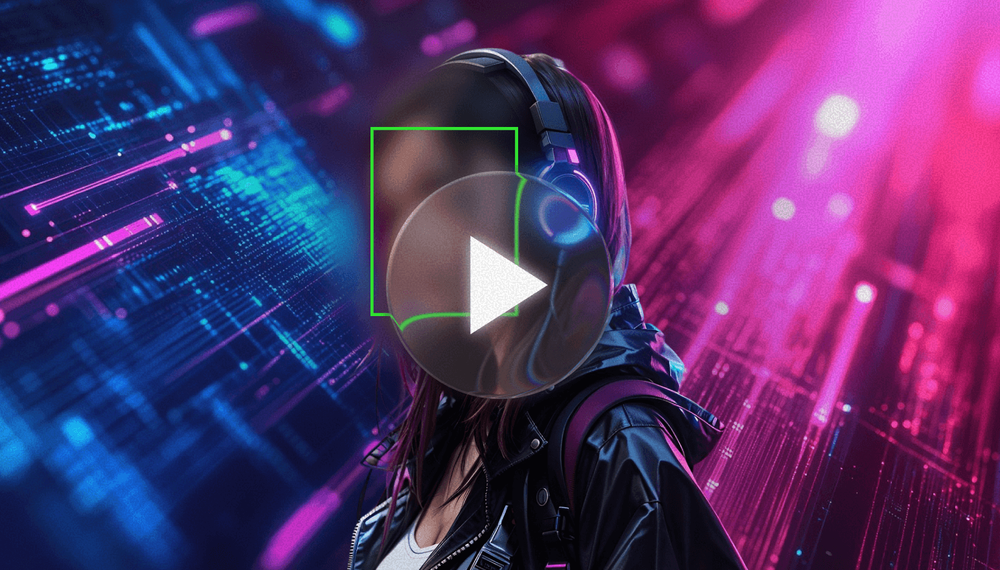
Blur Video
Blur videos online with BlurMe's blur video editor. Add blur effects to blur parts of a video instantly.
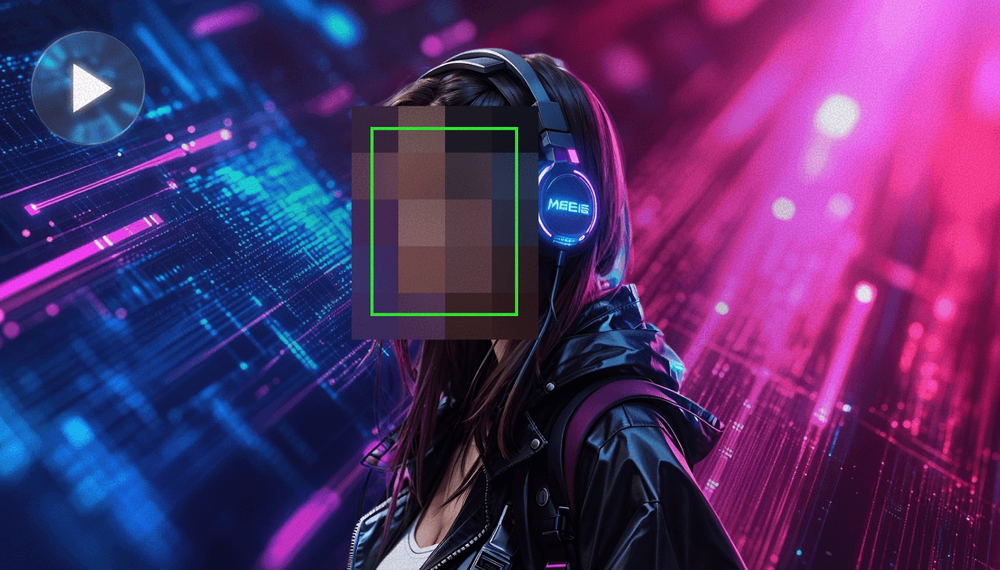
Pixelate Video
Pixelate videos online easy and fast using BlurMe's video pixelator, the simple pixelation tool.