Blur Video Online
Easily blur a video online with BlurMe Studio. Simply upload your video file and use our fast, browser-based video blur tool.

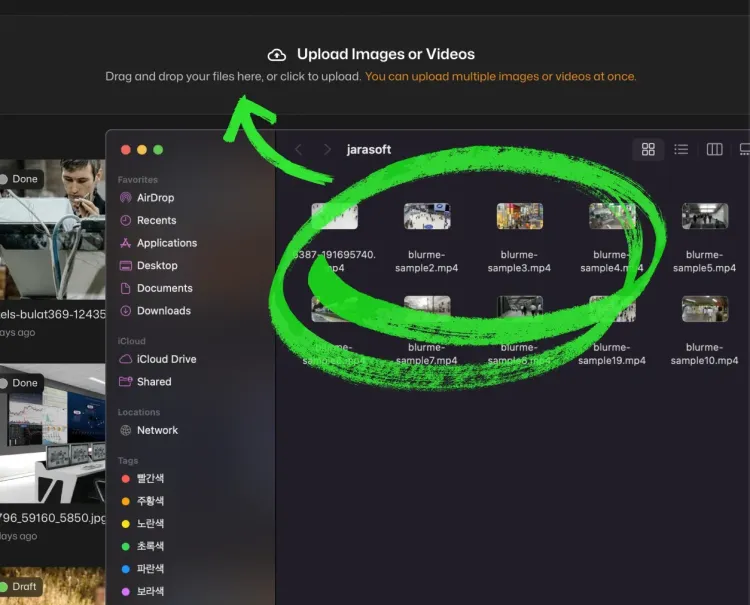
Select File
Drag and drop your file here or click to upload.




How to blur a video online
- Step 1: Upload Video
Click the Upload button or drag your video into BlurMe Studio. You can blur MP4, MOV, and other formats.
- Step 2: Blur Video
Select the blur effect you want to add to your video. Adjust the video blur size and intensity as needed.
- Step 3: Download Video
Click Export to save your blurred video. Download it directly to your device or share online.
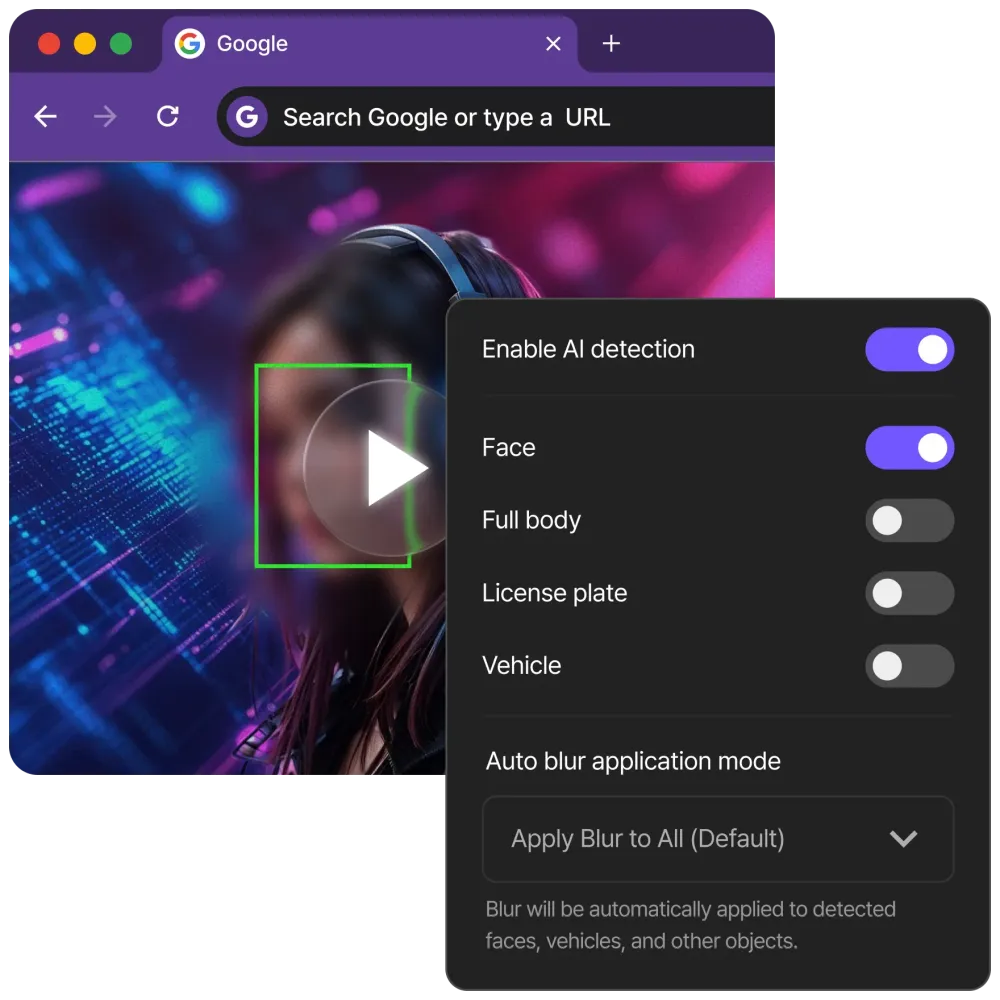
Automatically track and blur moving targets
BlurMe uses AI to automatically detect and track faces, license plates, cars, and other moving objects throughout your video. You can blur someone’s face in a video or hide sensitive content without manually editing frame by frame.
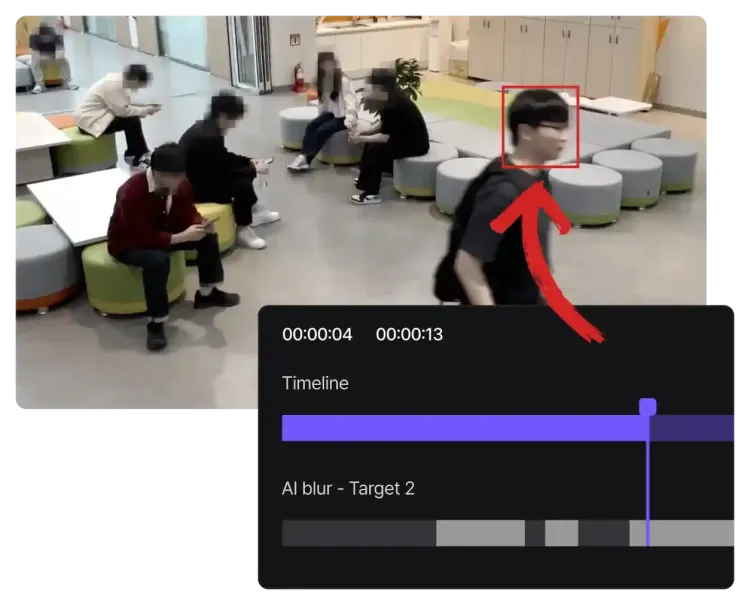
Blur video backgrounds with moving scenes
Easily blur the background of your video even when the camera or subject is moving. Maintain focus on your main content while hiding distractions in the video's background. BlurMe automatically applies a smooth, professional video background blur.

Blur multiple videos at once!
Save time by uploading and applying blur effects to multiple videos simultaneously. You can blur several clips in one workflow, ensuring consistent edits for all your videos. Blur in bulk without sacrificing quality or control.
Enjoy fast, browser-based processing
BlurMe’s video blur editor works entirely in your browser, allowing you to blur videos online quickly, even for large HD or 4K files. Achieve professional results for privacy, censorship, or creative edits on any device, anywhere.
Powered by the PowerBlur™ Dual-Engine Architecture
Most online video editors are slow because they rely solely on standard JavaScript. BlurMe is built on a proprietary Dual-Engine system that splits the workload for maximum speed and privacy.

- Browser-Side Performance:
Using an advanced high-performance browser rendering engine, BlurMe performs native-level video rendering directly in your browser. This makes our tool 8x faster than pure JS editors, allowing you to preview blurs and track moving targets in real-time without lagging your device.
- Cloud-Side Acceleration:
For high-resolution exports (HD/4K), our PowerBlur Pipeline leverages advanced GPU acceleration technology. By optimizing hardware-based H.264 and H.265 (HEVC) encoding, we can process a 3-minute video in under 10 seconds, up to 20x faster than traditional cloud rendering.
Enterprise-Grade Security for Your Video Data
Originally developed for Enterprise On-Premise solutions used in government and legal sectors, BlurMe brings professional privacy standards to the web.
- Data Sovereignty:
We provide a secure cloud workspace where you retain full control. You can manage your processing history, store videos for future edits, or delete them instantly. Your data is encrypted at rest using AES-256 standards.
- Compliance-Ready Tracking:
Our AI maintains Temporal Consistency, ensuring that a blurred face or license plate remains masked even during fast camera shifts or subject rotations. This prevents "identity leaks" common in manual editing.
- No Unauthorized AI Training:
Your uploaded videos are your property. We never use your personal footage to train our AI models. Our PowerBlur™ inference engine relies exclusively on our pre-trained, high-fidelity proprietary datasets.
Professional-Grade Video Redaction for Regulated Industries
- FERPA Compliance & Student Privacy in Education
Educational institutions use BlurMe to protect the identities of students in classroom recordings, school event highlights, and teacher training videos. To ensure full compliance with FERPA (Family Educational Rights and Privacy Act) and COPPA, our AI automatically de-identifies minors by blurring faces in bulk. This allows schools to share "Success Stories" and content on social media without violating student privacy rights.
- FOIA & Law Enforcement Evidence Redaction
Public agencies use BlurMe to process Body Cam and Dashcam footage for Freedom of Information Act (FOIA) requests. Our AI ensures that bystanders, minors, and the general public are permanently de-identified. By maintaining Temporal Consistency throughout the clip, we guarantee that PII never "flickers" back into view, protecting the chain of custody and legal integrity of the evidence.
- Clinical & Telemedicine Video Anonymization
Healthcare providers use BlurMe to anonymize surgical recordings and patient gait studies for clinical research and education. Our tool ensures full HIPAA and GDPR compliance by automatically redacting faces and unique identifiers in high-resolution video, allowing medical data to be shared for peer review without compromising patient confidentiality.
- Workplace Personnel Redaction & Facility Privacy
Organizations use BlurMe to sanitize facility footage to comply with GDPR Article 6 (Lawful Processing). Before sharing office walkthroughs, safety training videos, or industrial audit imagery, our AI automatically redacts the faces and bodies of employees and visitors. This ensures that facility documentation can be shared for corporate reporting or insurance purposes without violating the personal privacy rights of personnel.
- Investigative Journalism & Witness Protection
Media organizations rely on BlurMe to protect the identities of whistleblowers and sources in hostile environments. Our PowerBlur™ Pipeline performs frame-by-frame redaction of recognizable features, ensuring that even if a subject moves or the lighting shifts, their identity remains 100% obscured. This is critical for ethical reporting and meeting "Right to be Forgotten" standards.
- Fleet Management & Liability Mitigation
Logistics companies use BlurMe to process thousands of hours of fleet dashcam footage after accidents. By automatically redacting the faces of pedestrians and the license plates of uninvolved third-party vehicles, firms mitigate liability risks and ensure that video evidence shared with insurance adjusters or in court is compliant with regional privacy statutes.
The Best Blur Video Editor Online
- Video Blur Effects
Fully adjustable blur effects let you fine-tune blur intensity and style.
- AI Face Tracking
Automatically track faces as they move throughout your video.
- Secure & Private
Your data is private, secure, and accessible only by you.
- Batch Video Blurring
Blur multiple videos in bulk for consistent edits and faster workflow.
- Censor Video Content
Great for hiding sensitive content and masking confidential info.
- Video Background Blur
Blur entire backgrounds effortlessly while keeping your subject clear.
Common Use Cases for BlurMe AI Video Blurring

Redact security footage
You can use BlurMe to fulfill public record requests using our specialized CCTV Request Mode to automatically mask bystanders while keeping subjects clear for legal review.
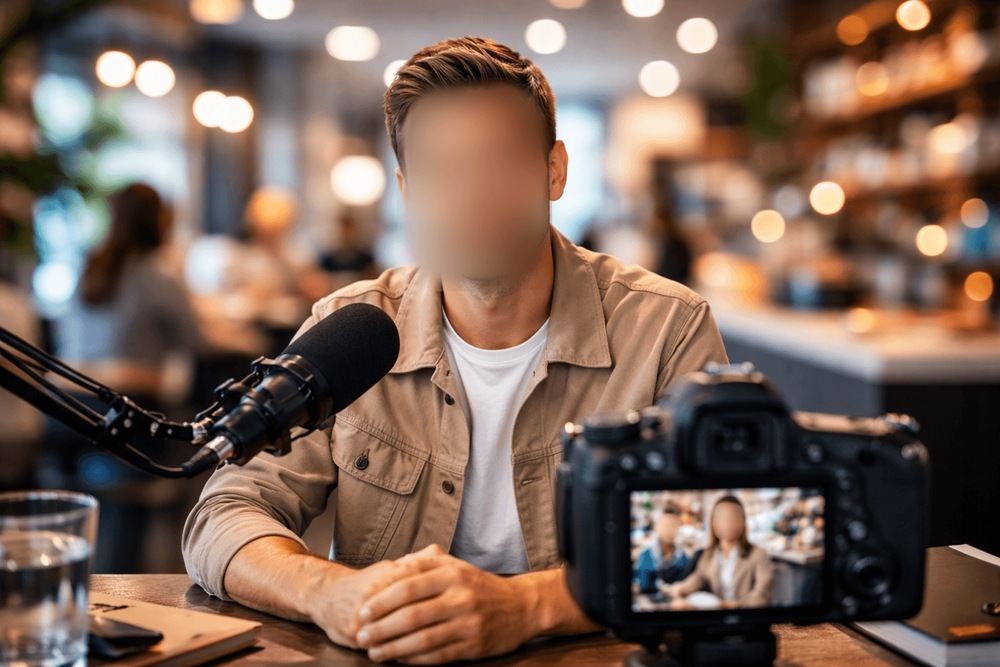
Anonymize faces in social media
You can use BlurMe to maintain viewer focus and personal confidentiality in YouTube or TikTok vlogs by instantly hiding background distractions or unwanted faces.

Redact PII in dashcam footage
You can use BlurMe to mask license plates and street-level PII before sharing road-trip or helmet-cam videos with insurance companies or social platforms.
Explore More Tools and Features
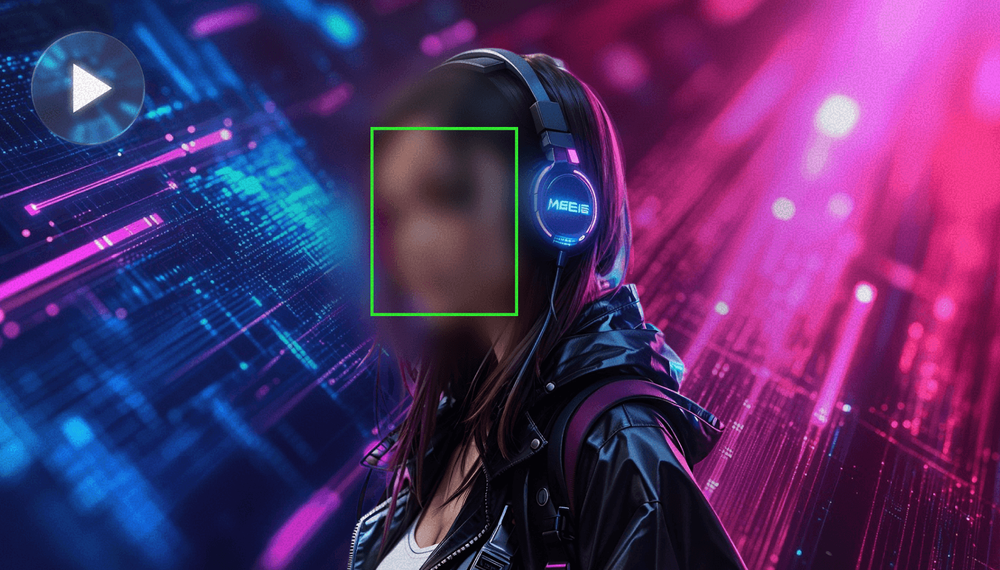
Blur Face in Video
Blur faces in video online with BlurMe's blur tool. Use AI face blurring to automatically blur moving faces.
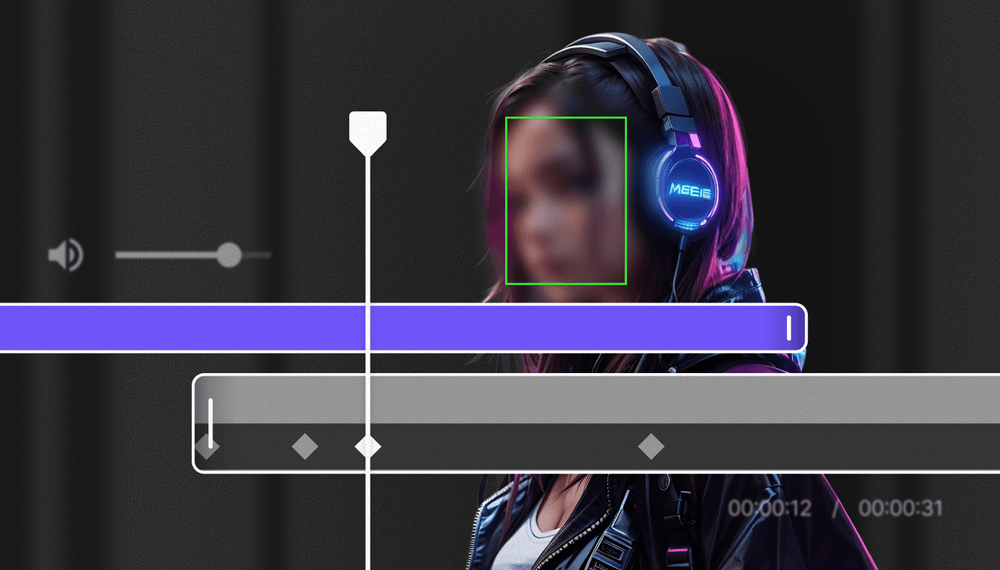
Redaction Software
Redact videos securely with BlurMe’s AI redaction software. Automate video redaction using AI.
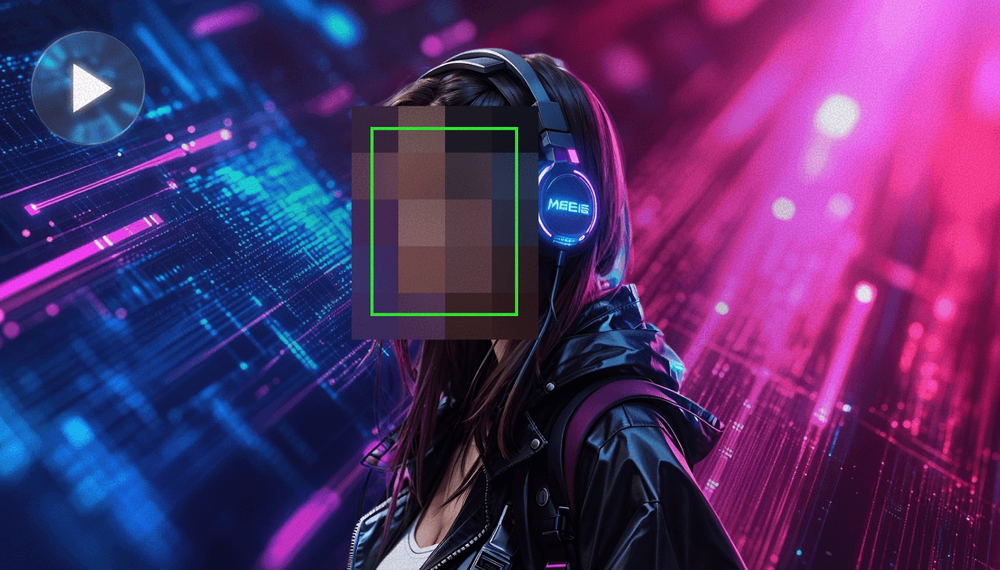
Pixelate Video
Pixelate videos online easy and fast using BlurMe's video pixelator, the simple pixelation tool.