Blur Images Online for Free
Easily blur any image, photo, or picture with BlurMe. Simply upload your image and use our fast, browser-based blur tool.

Select File
Drag and drop your file here or click to upload.

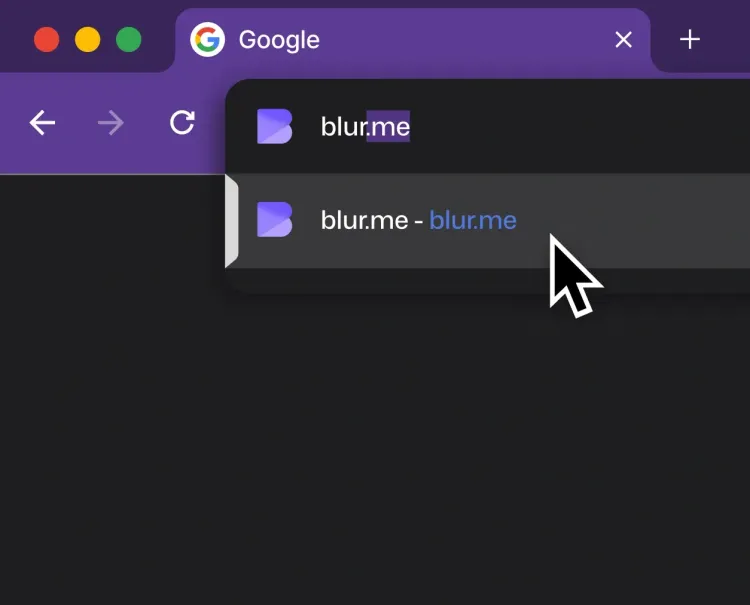
How to blur an image online
- Step 1: Upload Image
Click the Upload button or drag your photo into BlurMe Studio. You can blur PNG, JPG and more.
- Step 2: Blur Image
Apply blur to part of your image or blur the whole background. Adjust the blur effect as needed.
- Step 3: Download Image
Click Export to save your blurred image. Download it directly to your device or share online.
Blur images right in your browser
BlurMe Studio’s powerful image blur editor lets you blur parts of an image, apply full screen or background blur, and even use AI to blur something out of a picture automatically — all without software downloads or installations.
Automatically blur objects with AI detection
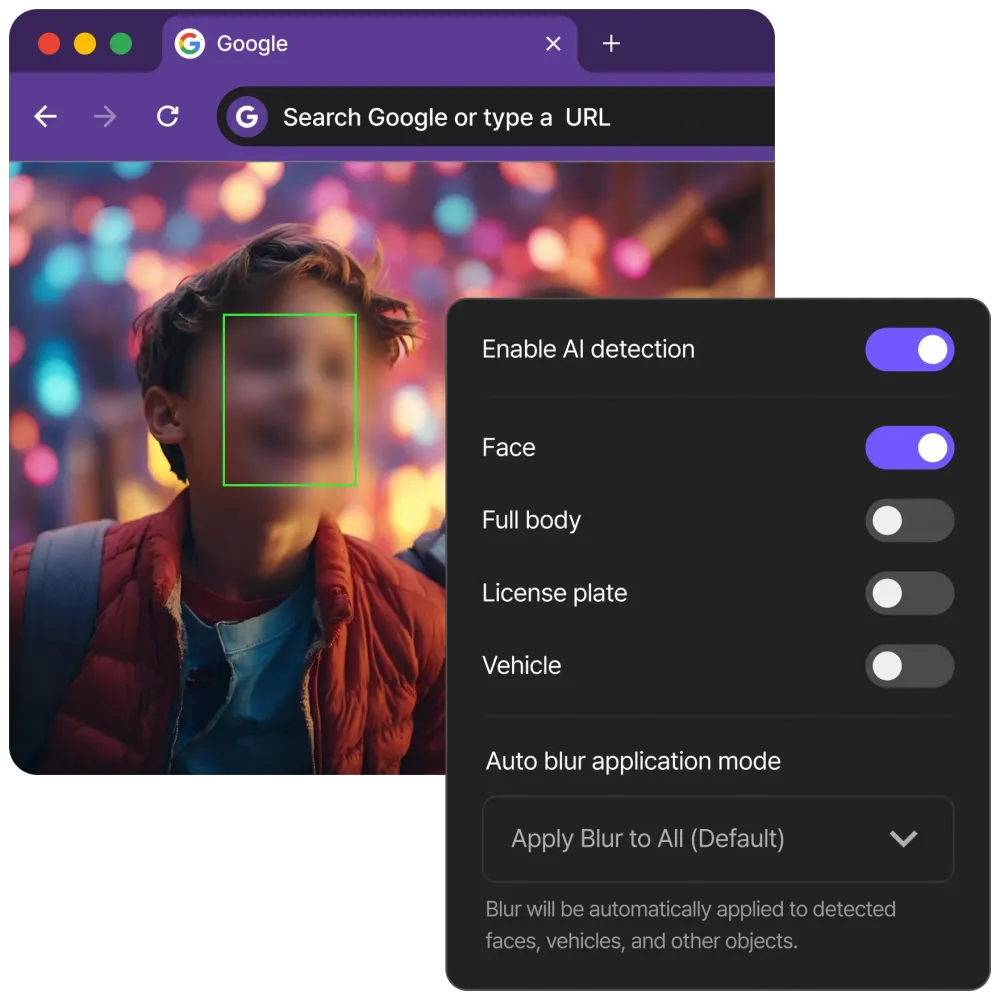
Save time with AI Blur, which detects and blurs faces, license plates, cars, and bodies instantly. BlurMe’s AI-powered photo blur tool ensures your images stay safe and professional without tedious manual editing.
Customize blur intensity and style
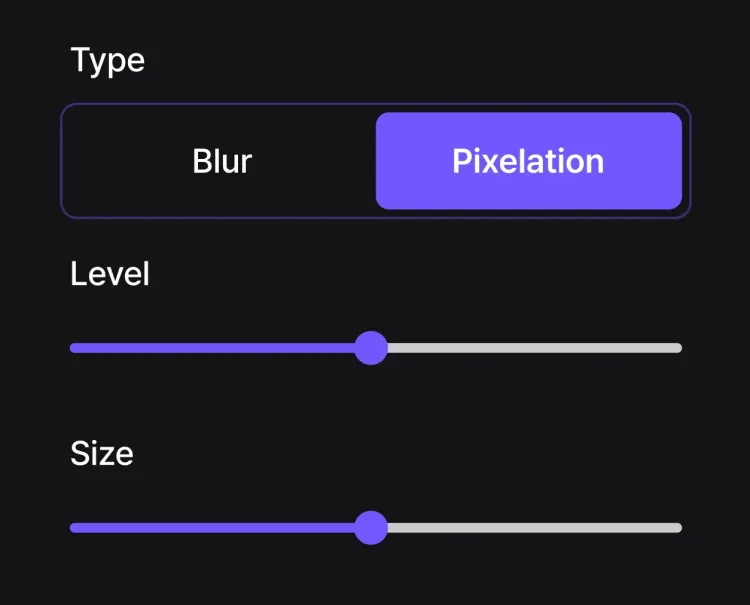
Take full control of your blur effect. Use intensity and size sliders to get the perfect look, or apply Gaussian blur for smooth, natural edits. BlurMe gives you the flexibility to blur photos exactly the way you want.
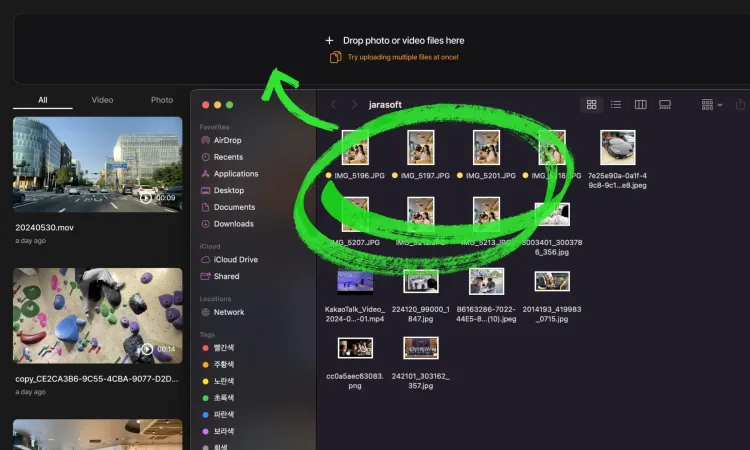
Blur multiple images at once!
Work faster with bulk image blurring. Upload a batch of photos and apply background blur, full screen blur, or custom blur across all of them. BlurMe keeps your edits consistent while saving valuable time.
The Technology: Why BlurMe is 20x Faster than Traditional Photo Editors
Most online photo tools are limited by slow JavaScript processing. BlurMe is built on a proprietary Dual-Engine architecture originally developed for enterprise security.
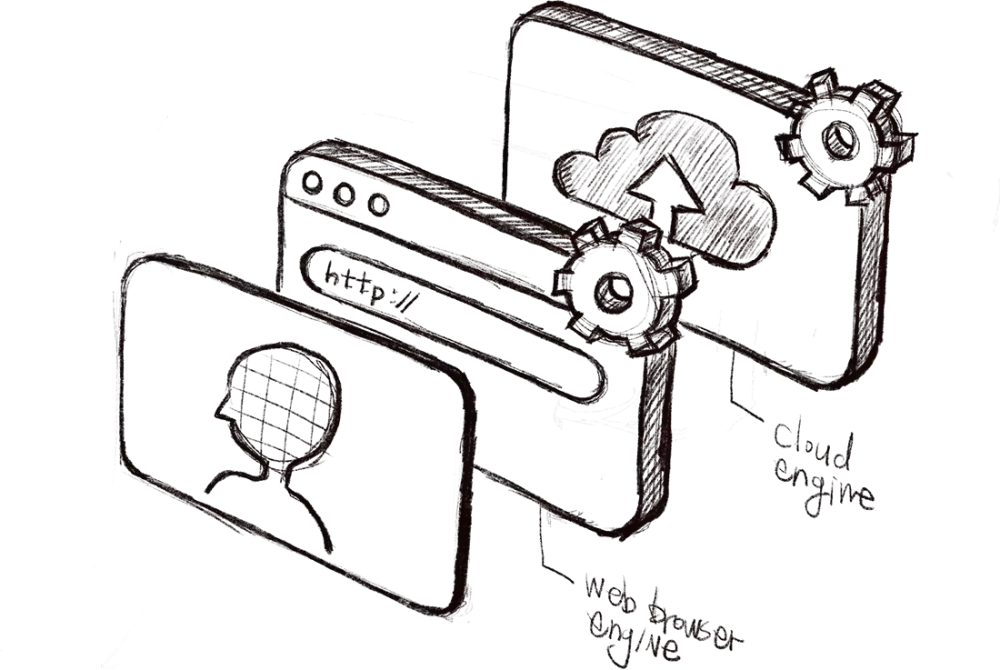
- Native-Performance Edge Engine:
BlurMe performs native-level image processing directly in your browser. By utilizing an on-device rendering engine, our tool achieves an 8x performance boost over conventional online editors. This allows you to preview complex Gaussian blurs on high-resolution photos with zero latency, ensuring your sensitive data is masked locally before a single pixel is processed in the cloud.
- Hardware-Accelerated Cloud Pipeline:
For high-volume bulk processing and professional-grade exports, our PowerBlur™ Pipeline leverages dedicated server-side hardware acceleration. This hardware-based optimization ensures that your images are rendered with maximum precision, preserving the original sharpness of unblurred areas while delivering finalized results up to 20x faster than traditional software.
Security-First Architecture for Data Privacy & GDPR Compliance
As an authority in PII (Personally Identifiable Information) redaction, BlurMe provides the security framework required for legal, corporate, and personal use.
- Data Sovereignty:
You maintain absolute control over your media. We provide a secure cloud workspace where you can manage your file history or permanently purge your data at any time. Your images are protected by AES-256 encryption at rest.
- No Unauthorized AI Training:
Your uploaded photos are your property. We never use your personal or sensitive imagery to train our AI models. Our PowerBlur™ inference engine relies exclusively on our pre-trained, high-fidelity proprietary datasets.
- Compliance-Ready Redaction:
BlurMe is built to meet GDPR, CCPA, and HIPAA standards for data de-identification. Whether you are blurring faces for news reports or license plates for dashcam footage, our AI ensures the anonymization is permanent and metadata-secure.
Professional-Grade Image Redaction for Regulated Industries
- Public Records & FOIA Redaction
Government agencies utilize BlurMe to fulfill Freedom of Information Act (FOIA) and public record requests. Our AI automates the de-identification of PII (Faces, License Plates) in evidence photos and crime scene imagery, ensuring that sensitive data is permanently scrubbed before being released to the public or legal counsel.
- Healthcare & HIPAA Data Anonymization
Healthcare providers utilize BlurMe for the anonymization of patient imagery used in case studies, clinical research, and medical training. By permanently redacting faces while maintaining the high resolution of the medical subject, we ensure full compliance with HIPAA and GDPR "Privacy by Design" mandates.
- Ethical Journalism & Documentary Media
Media organizations use BlurMe to protect the identity of whistleblowers, minor witnesses, and sources in hostile environments. Our Semantic Segmentation technology allows journalists to blur recognizable features while preserving the scene, ensuring ethical reporting that complies with international privacy laws and "Right to be Forgotten" standards.
- Insurance Claims & Liability Documentation
Insurance firms use BlurMe to process thousands of claim photos daily. Our bulk AI blurring automatically masks the PII of uninvolved third parties (bystanders and non-claimant license plates) in accident photos. This reduces liability risk for the insurer and ensures that only the relevant evidence is stored in the claimant's file.
- Anonymity in Public Photography
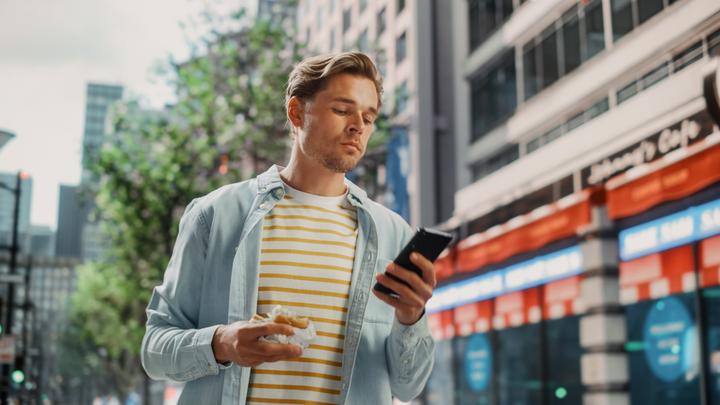
Media professionals and street photographers use BlurMe to maintain ethical standards and legal compliance in public-facing imagery. In documenting protests, crowded cityscapes, or candid street scenes, our AI ensures that the faces, bodies, and license plates of uninvolved bystanders are permanently de-identified. This allows creators to share powerful visual stories while respecting the "Right to be Forgotten" and GDPR privacy mandates.
- Student Privacy & FERPA Compliance in Education
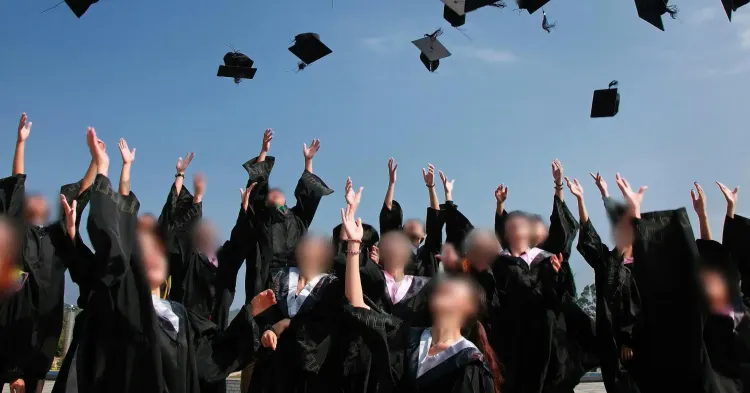
Educational institutions use BlurMe to protect the digital footprints of students in school event photography, classroom highlights, and professional development materials. To ensure full compliance with FERPA (Family Educational Rights and Privacy Act) and COPPA, our AI automatically de-identifies minors by blurring faces and bodies in bulk.
The Ultimate Image Blur Tool
- Custom Image Blur
Blur specific parts of an image with precision while keeping the rest sharp.
- Full Screen Blur
Instantly blur the entire photo or just the background for a clean, professional look.
- AI-Powered Blurring
Automatically detect and blur sensitive details like faces, license plates, and objects.
- Fast & Easy Blur Editor
Edit and blur images quickly in your browser, BlurMe Studio works on any device.
- Bulk Image Blurring
Save time by applying background blur or custom blur to multiple photos at once.
- Secure & Private
Your data is private, secure, and accessible only by you, ensuring complete protection.
Common Use Cases for BlurMe AI Image Blurring
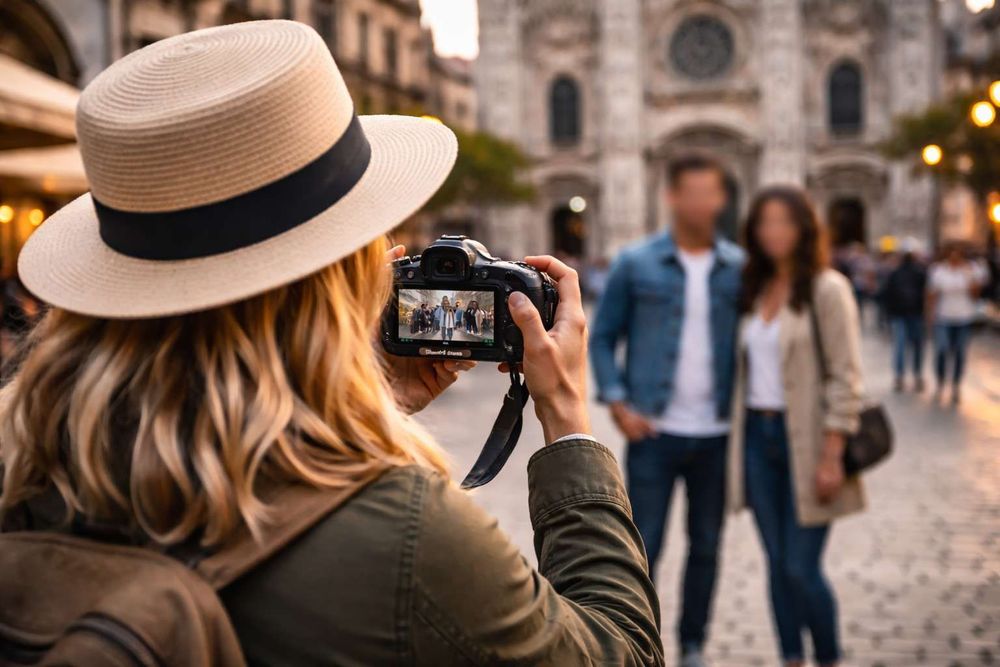
Anonymize street photography
You can use BlurMe to maintain the focus on your travel memories by automatically masking background faces and license plates in crowded cityscapes. This ensures your social media posts respect public privacy etiquette and comply with international "Right to be Forgotten" standards.

Blur faces at events
You can use BlurMe to quickly redact faces and bodies of attendees who haven’t provided marketing consent at weddings or corporate conferences. This maintains professional legal compliance with GDPR and CCPA while delivering high-quality, privacy-safe galleries to your clients.
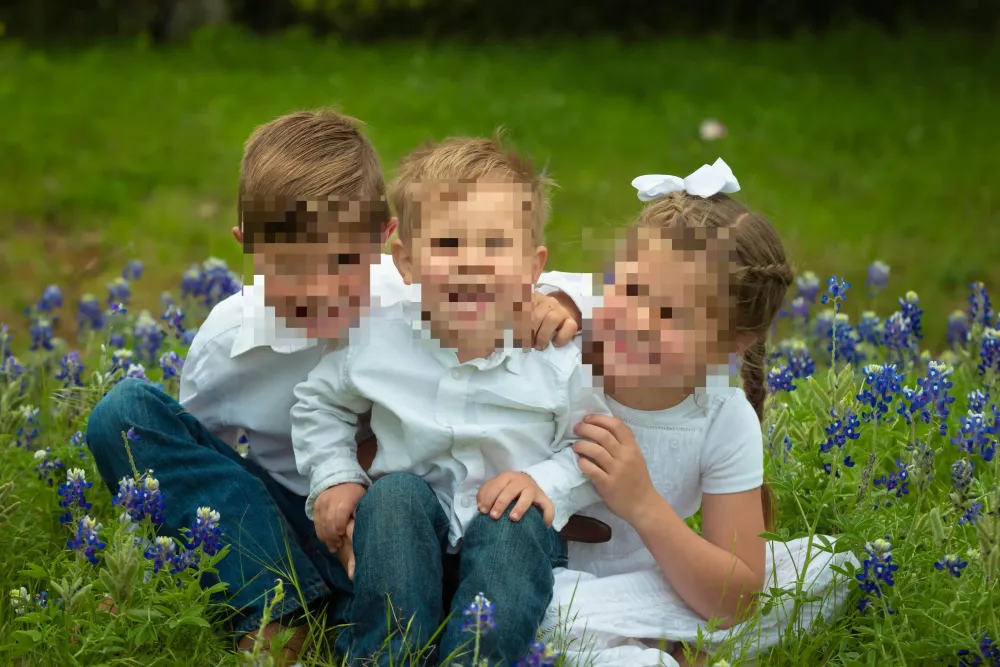
Protect minor privacy online
You can use BlurMe to secure your family’s digital footprint by instantly hiding the faces and bodies of minors before sharing photos on Instagram or WhatsApp. This privacy-first approach protects your loved ones from unauthorized biometric data harvesting and facial recognition scraping.
Explore More Tools and Features
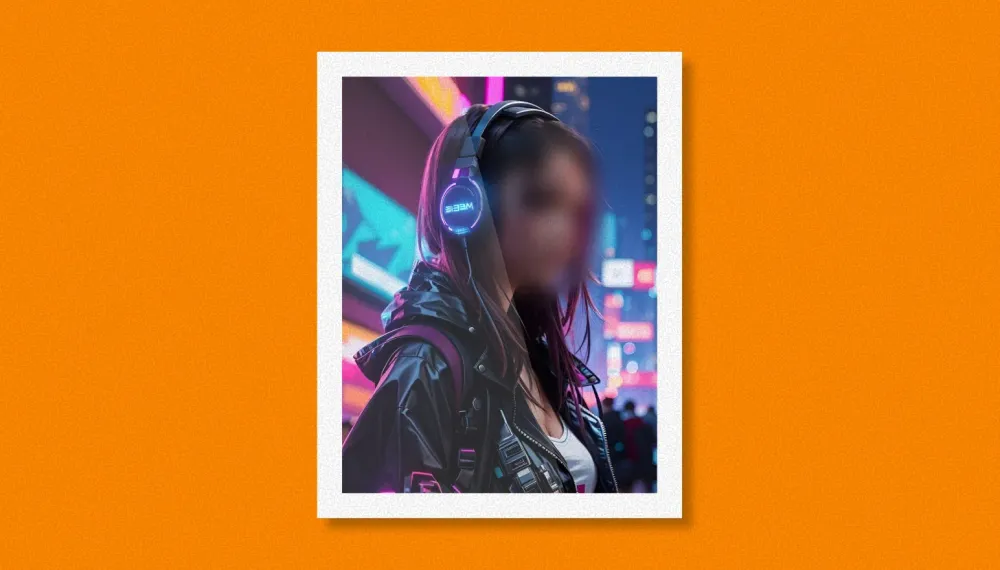
Blur Face in Photo
Blur faces in photos online quickly and easily with BlurMe's photo blur tool.
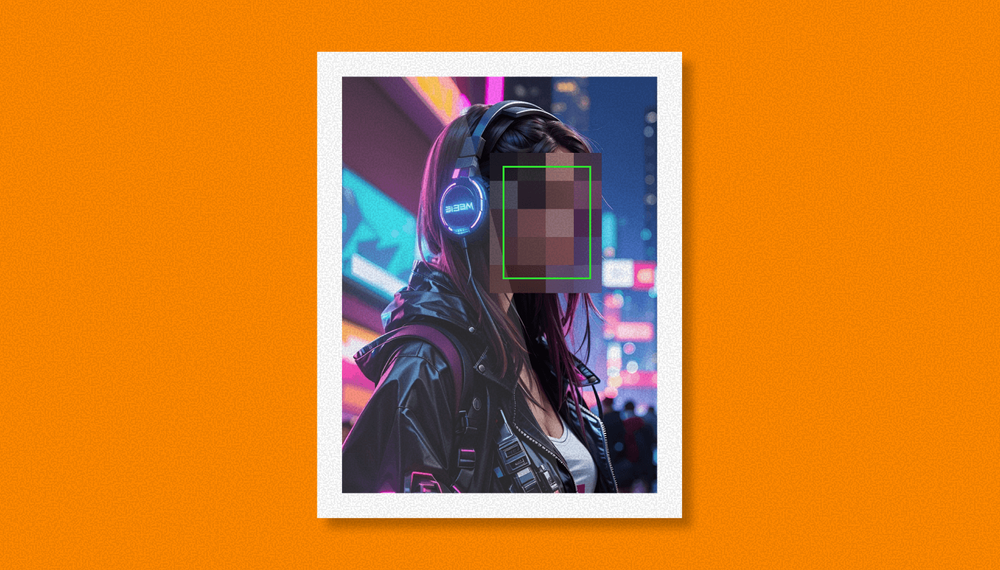
Pixelate Image
Pixelate images online with BlurMe’s fast and free image pixelator. Add a pixelation effect easily.
Image Compressor
Compress images without losing quality easily using BlurMe's image compressor.