Blur Face in Video
Easily blur faces in videos online using our AI face blurring tool. Simply upload your video to pixelate, mask, or cover moving faces instantly.

Select File
Drag and drop your file here or click to upload.


How to blur faces in a video
- Step 1: Upload Video
Click the Upload button or drag your video into BlurMe Studio. You can blur MP4, MOV, and other formats.
- Step 2: Blur Faces
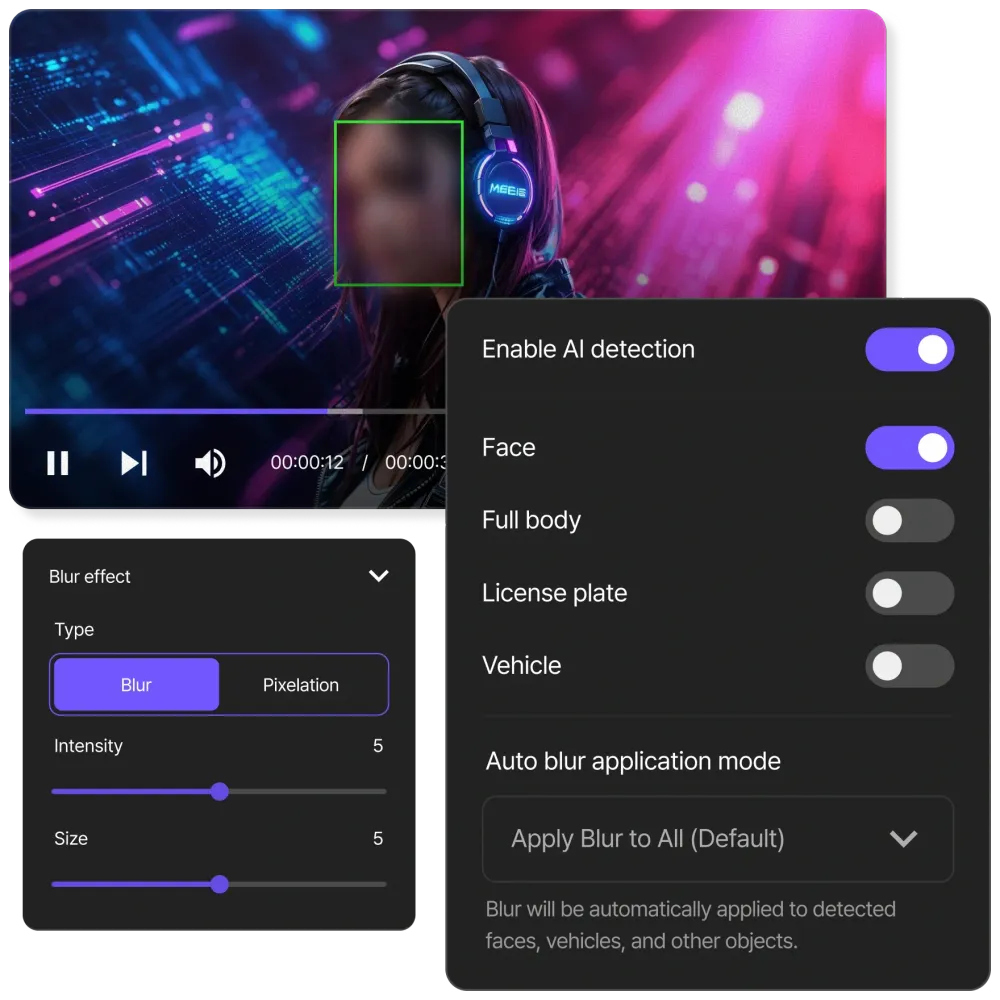
Select the face blur effect you want to add to your video. Adjust the video blur size and intensity as needed.
- Step 3: Download Video
Click Export to save your blurred video. Download it directly to your device or share online.
Automatically track and blur moving faces
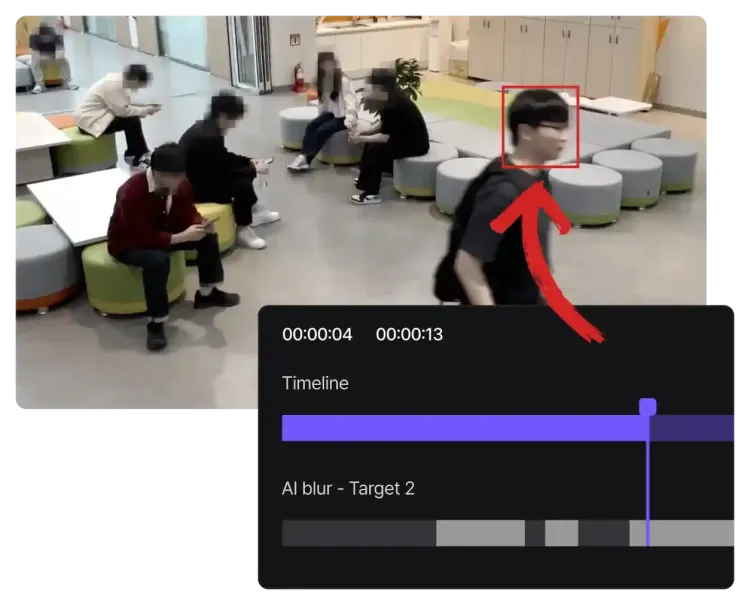
BlurMe uses AI to automatically detect, track and blur faces in video, even when they move. Easily blur someone’s face in a video without manually editing frame by frame.
Blur every face instantly with AI detection
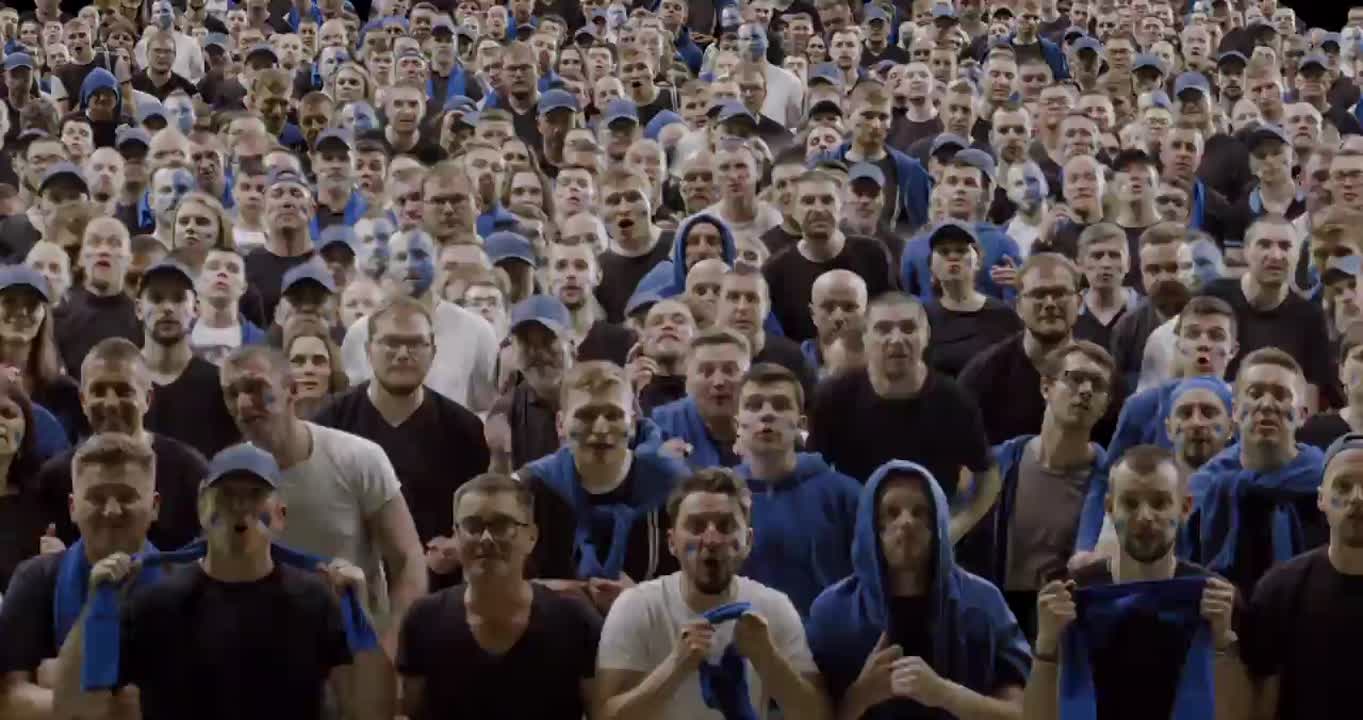
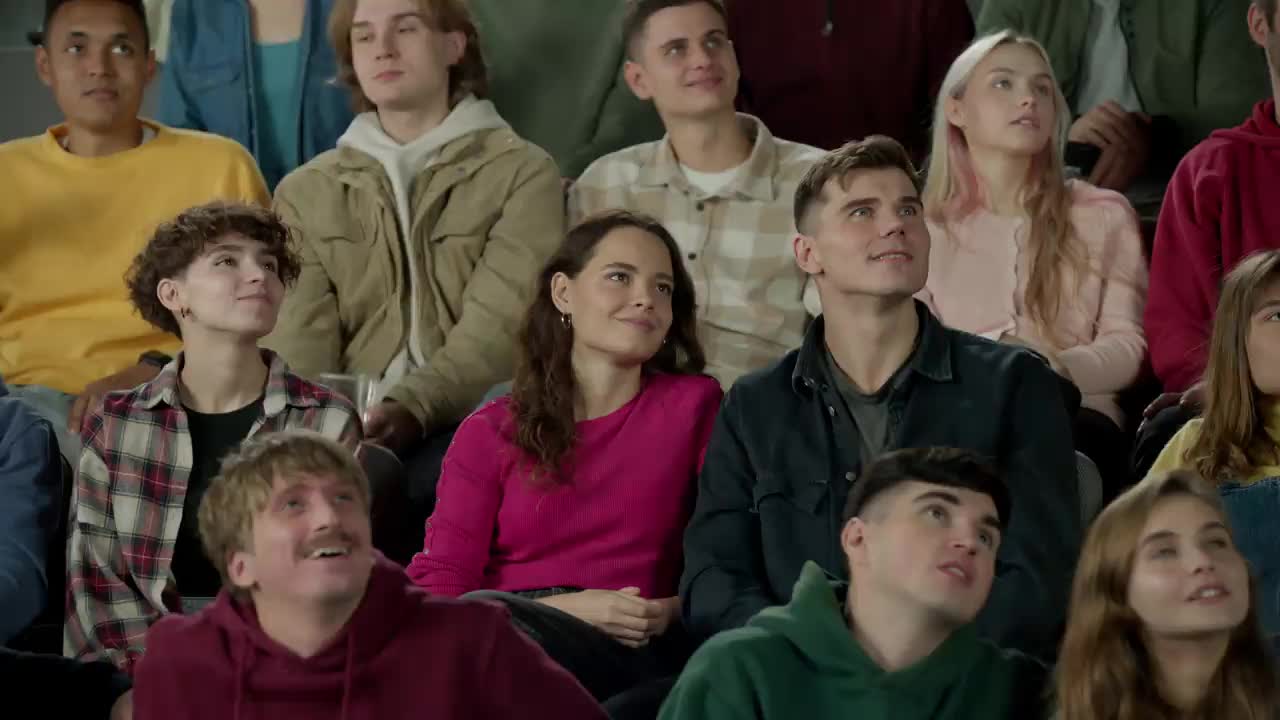
AI-powered detection finds all faces in any video with precision. From one person to a thousand people, every face is instantly recognized and blurred. Protect identities in minutes using our advanced AI face blur.
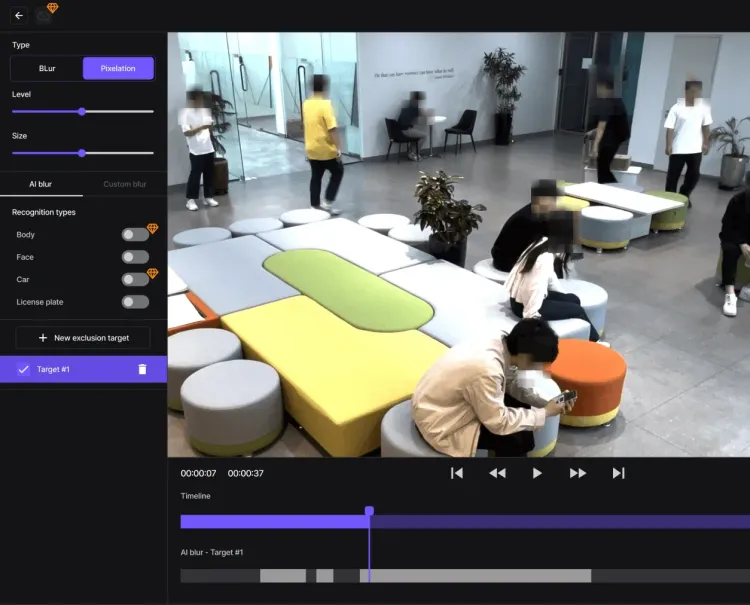
Edit faster with our blur video editor!
Our online blur video editor is built for creators of all levels. BlurMe Studio makes it simple to blur faces or blur parts of a video online without needing advanced editing skills. The editor also includes built-in controls for video conversion and compression, so you can prepare and optimize your videos while keeping every face protected.
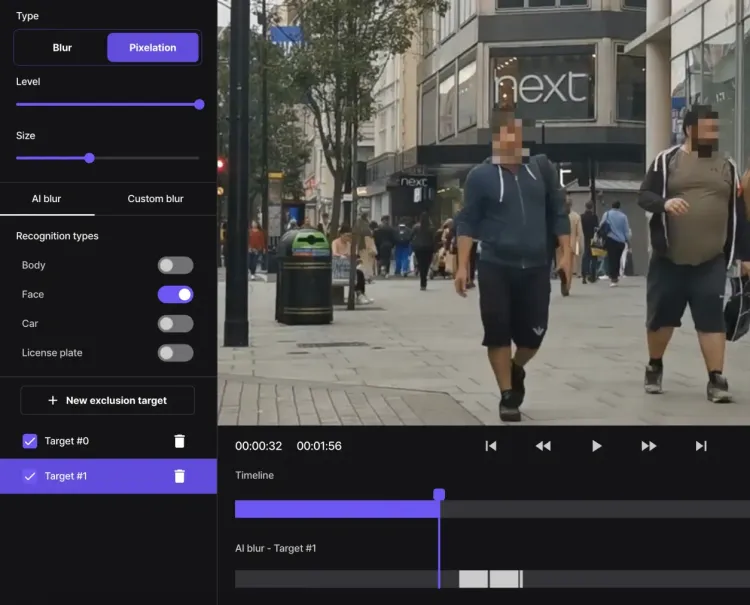
Customize your face blur effect
Take full control of how you blur faces in your videos. Choose between different blur and pixelation styles and apply them to any face or area of your video clip. Adjust the intensity of the effect and customize the size as needed.
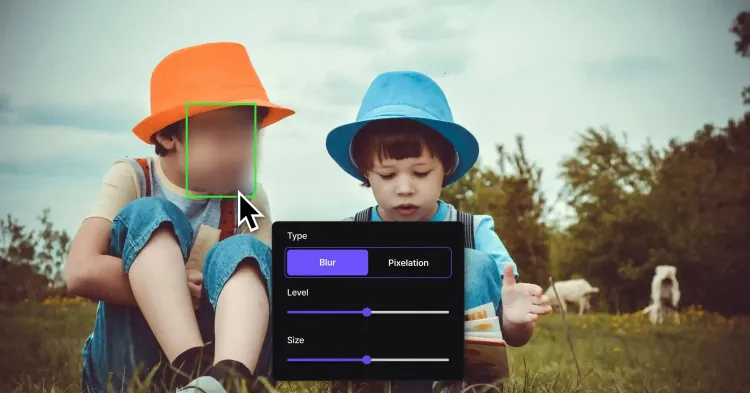
How BlurMe Automatically Tracks and Blurs Faces in Video
Blurring a moving face requires a level of precision that standard video editors cannot provide. BlurMe utilizes a proprietary Hybrid Dual-Engine architecture to ensure that once a face is detected, it remains masked with 100% accuracy throughout the entire clip.

- On-Device Face Detection & Real-Time Preview
Our tool uses native-performance browser technology to identify faces locally on your device. By performing the initial inference within your browser, BlurMe maps unique facial landmarks in real-time. This allows you to preview the tracking path and calibrate your face blur settings with zero latency, ensuring your sensitive biometric data is handled privately before the file is ever finalized.
- Hardware-Accelerated PowerBlur™ Pipeline
For the final export, our PowerBlur™ Pipeline leverages dedicated server-side hardware acceleration. By optimizing the redaction process for high-efficiency video formats like H.264 and H.265 (HEVC), we bake the mask into the video stream at the pixel level. This creates an irreversible result up to 20x faster than traditional software delivering the high-definition quality.
- Persistent Target Tracking (PTZ Optimized)
Unlike simple filters that can "flicker" or lose the subject, our Active Motion Tracker locks onto the unique ID of every face in the frame. Our technology is specifically engineered to handle complex camera movements, including rotating, tilting, and zooming (PTZ). This ensures the mask stays perfectly centered even if the subject turns away from the camera or moves behind other objects.
Professional Security Standards for Identity Protection and Data Ownership
We believe that Identity Protection is a fundamental right. BlurMe is built on a foundation of Privacy by Design to ensure you maintain 100% control over your sensitive video data.
- Absolute Data Ownership
Your videos are your property. We provide a secure cloud workspace where you can manage your processing history or permanently purge your files from our encrypted servers at any time.
- No Unauthorized AI Training
We have a strict policy against biometric data harvesting. Your personal videos and the faces within them are never used to train our AI models. Our engine relies exclusively on our pre-trained, proprietary datasets to ensure your identity remains protected.
- Compliance-Ready Redaction
Our tool is engineered to meet global standards, including GDPR, CCPA, and HIPAA. Whether you are blurring faces for public records or medical GAIT studies, BlurMe ensures that anonymization is permanent and metadata-secure.
How Global Industries Use BlurMe for Expert Face Anonymization
- Entertainment Studios: Broadcast Legal Clearance
Entertainment studios use BlurMe to automate legal clearance for broadcast and streaming. In post-production, editors utilize our AI to redact the faces and bodies of non-consented bystanders caught in the background of public shoots. By ensuring every frame is "Clear for Air," productions avoid biometric liability and meet international distribution standards without the cost of manual frame-by-frame masking.
- Law Enforcement: FOIA & Evidence De-identification
Public safety agencies use BlurMe to blur faces in body-cam and surveillance footage to fulfill Freedom of Information Act (FOIA) requests. Unlike basic editors, our tool provides permanent de-identification of bystander faces, ensuring that sensitive Personally Identifiable Information (PII) is scrubbed before public release. Our active motion tracking ensures that the mask remains locked to the face throughout the entire clip, protecting the legal Chain of Custody and institutional transparency.
- Security Operations: Surveillance Privacy Management
Security managers use BlurMe to blur faces in CCTV footage before sharing it with insurance companies or legal stakeholders. By utilizing our specialized CCTV Request Mode, operators can automatically mask all third-party faces in a frame by default. This high-security approach to surveillance redaction ensures that only the primary subjects are identifiable, meeting strict GDPR requirements for the handling of biometric data in public spaces.
- Public Transit & Infrastructure: High-Volume Anonymization
Transit authorities use BlurMe to blur faces in high-traffic surveillance streams to perform crowd-flow and safety analytics. By automating the de-identification of thousands of passengers in real-time, transit hubs and airports can optimize facility operations and security protocols while remaining 100% compliant with strict municipal transparency and public privacy mandates. This "privacy-at-source" approach ensures that safety monitoring never evolves into unauthorized biometric data collection.
- Social Media & Digital Content Creation: Public Privacy Compliance
Content creators and digital media agencies use BlurMe to blur faces in video to maintain a professional brand while adhering to global privacy etiquette. When filming "In-Real-Life" (IRL) streams or travel vlogs for YouTube, TikTok, and Instagram, creators inevitably capture hundreds of unconsented bystanders in public spaces. By utilizing our persistent tracking AI, vloggers can automatically anonymize background faces, ensuring their content complies with platform PII (Personally Identifiable Information) policies and "Right to be Forgotten" standards. This allows for ethical storytelling that protects the digital footprint of the general public and prevents potential privacy-related takedown requests.
- News & Media: Ethical Source Protection
Journalists and documentary filmmakers use BlurMe to blur faces of whistleblowers, witnesses, and sources in high-risk environments. Our PowerBlur™ engine is designed to maintain a persistent mask even during fast camera pans or lighting shifts. This ensures that sources remain 100% anonymous across every frame, allowing media organizations to uphold the highest ethical reporting standards and comply with international "Right to be Forgotten" laws.
The Best Tool to Blur Faces in Video
- Face Blur Effects
Fully adjustable blur effects let you fine-tune blur intensity and style.
- Motion Tracking
Automatically track faces as they move throughout your video.
- Secure & Private
Your data is private, secure, and accessible only by you.
- Batch Video Blurring
Blur multiple videos in bulk for consistent edits and faster workflow.
- Blur Faces 10x Faster
Redact moving faces and apply face blur effects in minutes, not hours.
- Legal Identity Protection
Comply with GDPR and privacy laws by blurring faces in videos.
Common Use Cases for BlurMe AI Face Blurring
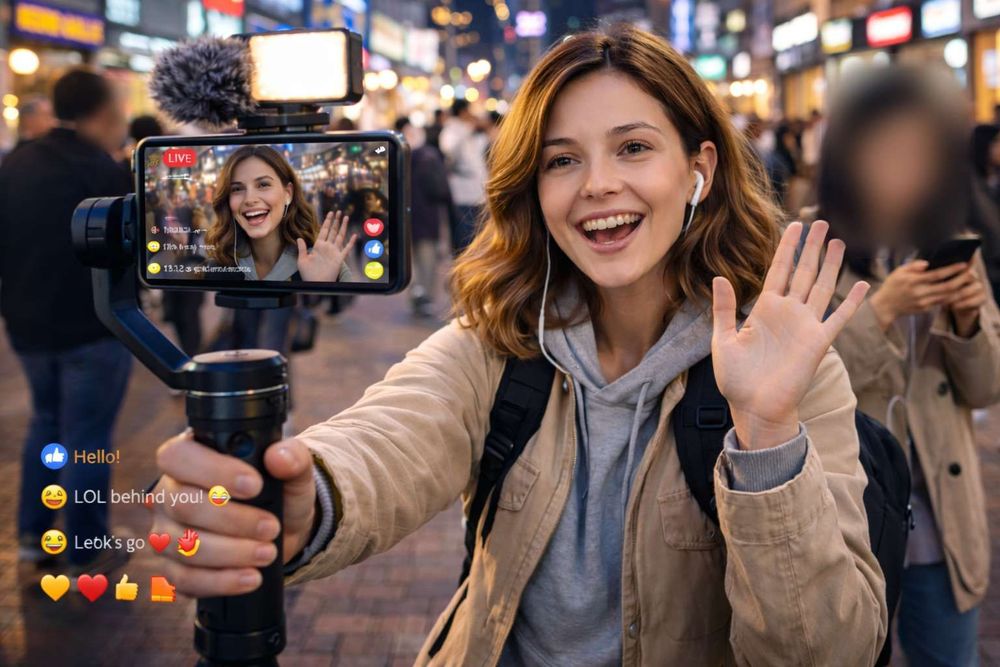
Protect bystanders in public vlogs
You can use BlurMe to automatically mask hundreds of unsuspecting bystanders in "In-Real-Life" (IRL) content recorded in parks or city streets. This ensures your videos meet platform community guidelines and prevents potential privacy-related "takedown" requests.
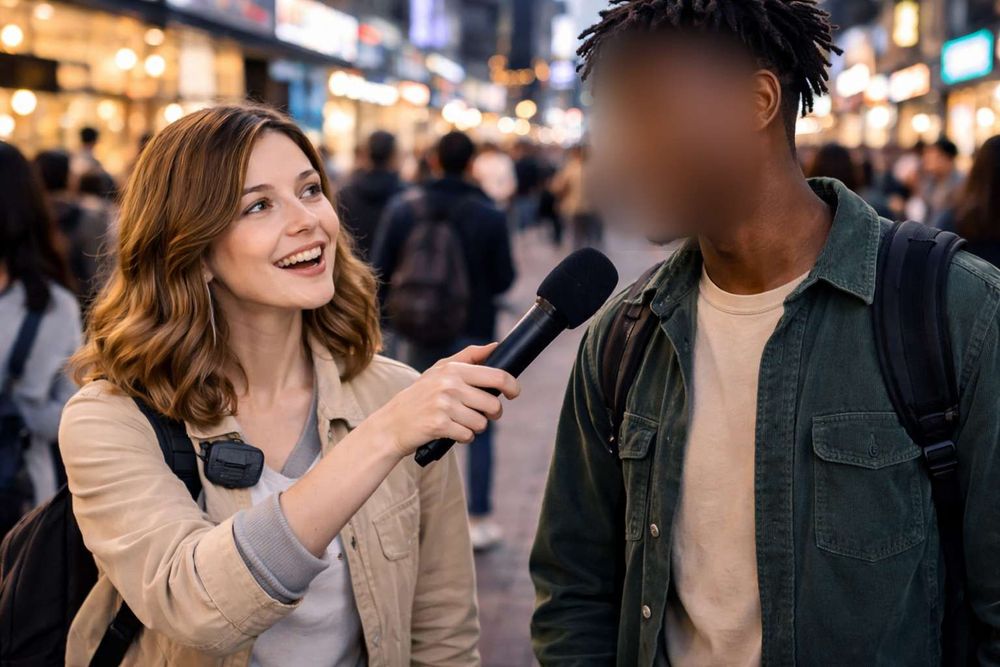
Ensure privacy in public interviews
You can use BlurMe to clean up identifiable background crowds behind your main subject during street interviews. This focuses the viewer's attention solely on the interviewee, ensuring your "man-on-the-street" content maintains professional privacy standards.
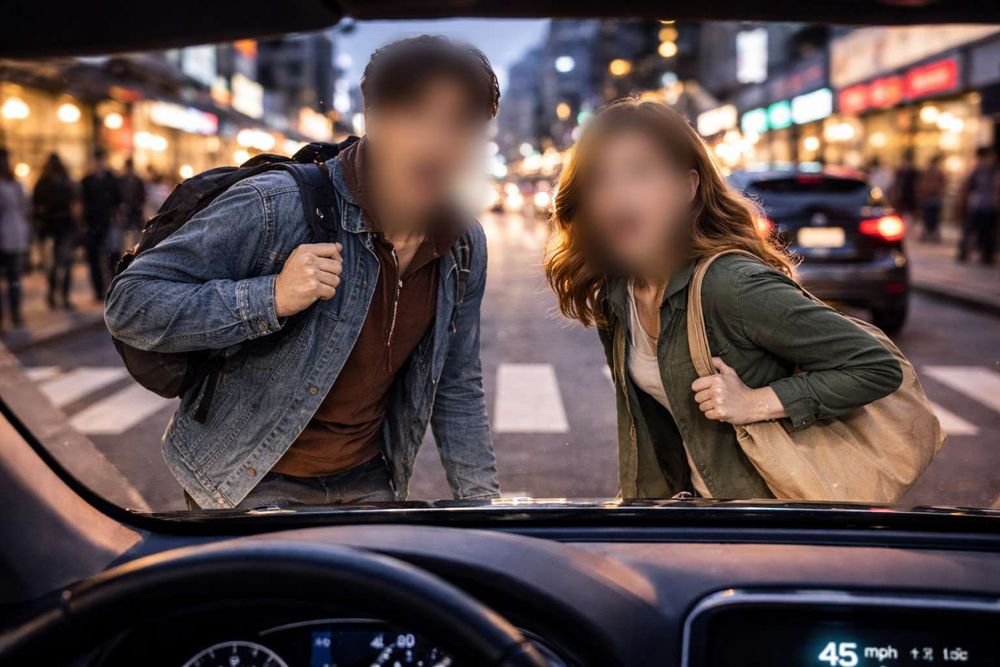
Hide PII in dashcam footage
You can use BlurMe to track and blur faces of pedestrians and other drivers in your travel or helmet-cam recordings. This allows you to share your commute or rides at scale while protecting public location privacy and mitigating legal liability.
Explore More Tools and Features
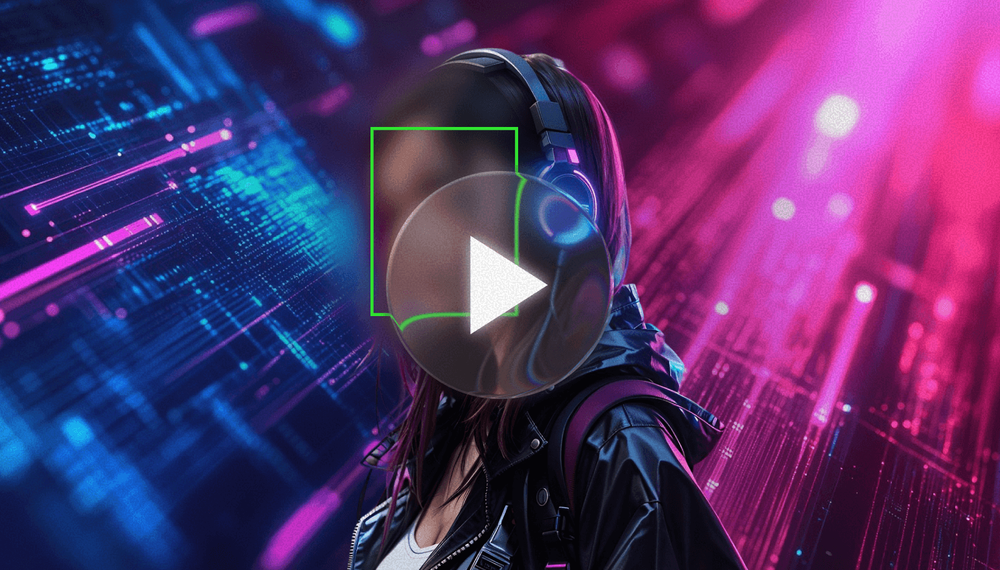
Blur Video
Blur videos online with BlurMe's blur video editor. Add blur effects to blur parts of a video instantly.
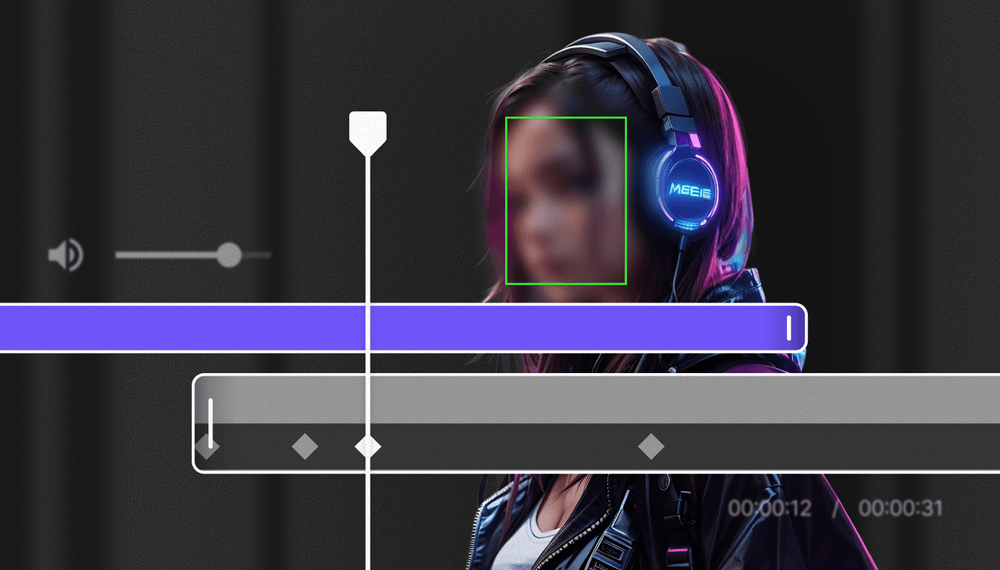
Redaction Software
Redact videos securely with BlurMe’s AI redaction software. Automate video redaction using AI.
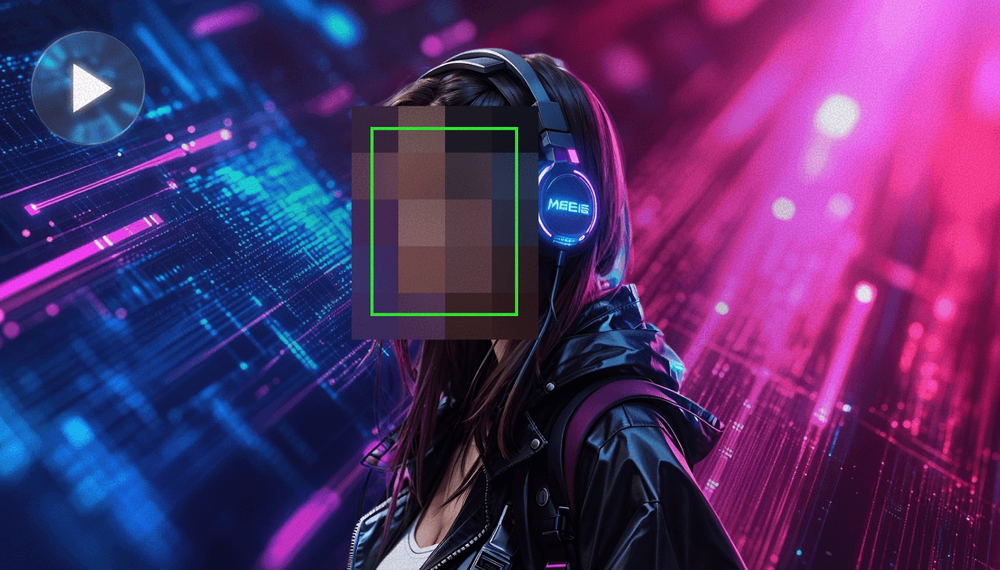
Pixelate Video
Pixelate videos online easy and fast using BlurMe's video pixelator, the simple pixelation tool.